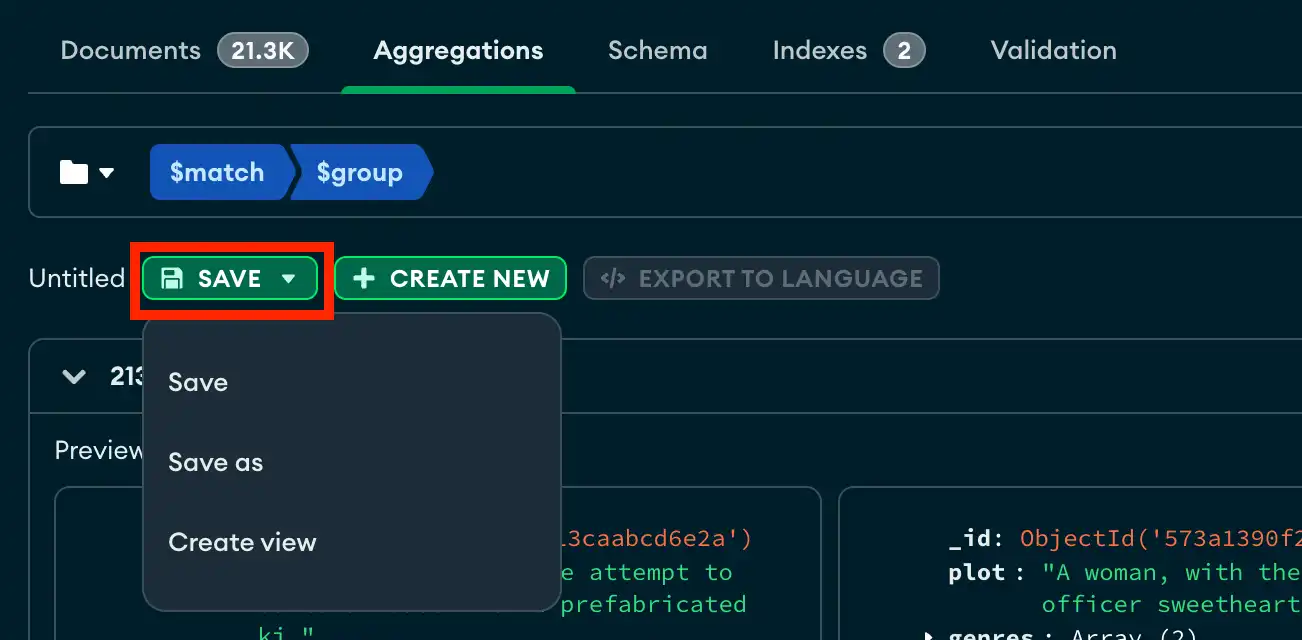
You can save your aggregation pipelines to find and use them again later. If you load a saved pipeline, you can make edits to the pipeline stages without changing the original saved pipeline. You can also create a view from your pipeline results.
You can save your aggregation pipelines to find and use them again later. If you load a saved pipeline, you can make edits to the pipeline stages without changing the original saved pipeline. You can also create a view from your pipeline results.
On this page
On this page