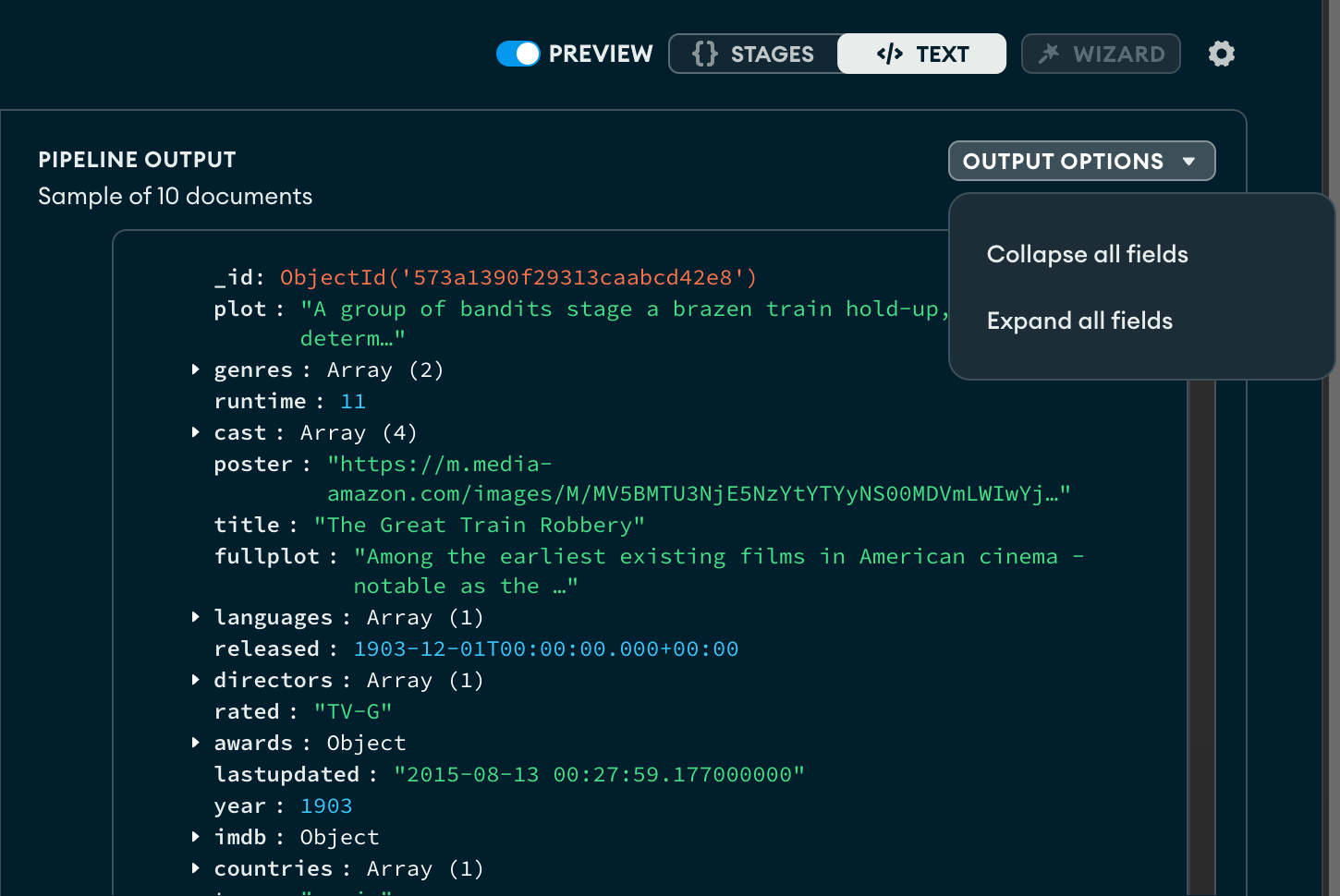
Atlas中的聚合管道构建器可帮助您创建聚合管道,以进程集合或视图中的文档并返回计算结果。
关于此任务
Atlas提供不同的模式来创建聚合管道:
阶段视图模式,这是一种可视化管道编辑器,可以根据所选阶段预加载管道语法。
阶段向导,这是阶段视图模式的一项功能,可以为简单聚合阶段使用案例提供一组模板。阶段向导仅包含简单的使用案例,可以帮助您开始使用聚合管道。
焦点模式,是阶段视图模式的一项功能,可以一次编辑一个管道阶段。焦点模式可帮助您管理复杂或深度嵌套的聚合分析管道阶段。
文本视图模式,这是一种基于文本的管道编辑器,可以接受原始管道语法。
开始之前
要构建聚合管道,请选择一个集合并单击 Aggregations标签页。Atlas显示空白的聚合管道。Preview of Documents in the Collection 部分显示从所选集合中随机抽样的 10 个文档。
注意
MongoDB Search 阶段
When you connect to a MongoDB deployment hosted on Atlas, Atlas-only stages $search and $searchMeta become available in the Aggregation Pipeline Builder. Use these stages to perform full-text search on Atlas collections.
步骤
要查看如何创建聚合管道,请选择与所选视图模式相对应的标签页:
AtlasGoData Explorer在Atlas中,Go项目的 页面。
如果尚未显示,请从导航栏上的 Organizations 菜单中选择包含项目的组织。
如果尚未显示,请从导航栏的 Projects 菜单中选择您的项目。
在侧边栏中,单击 Database 标题下的 Data Explorer。
The Data Explorer displays.
重要提示:您还可以单击集群的名称以打开 Cluster侧边栏,然后单击Data Explorer Shortcuts标题下的 。

选择聚合管道阶段
On the upper-left corner of the aggregation stage card, click the Select drop-down menu and select the aggregation pipeline stage to use for the first stage of the pipeline.
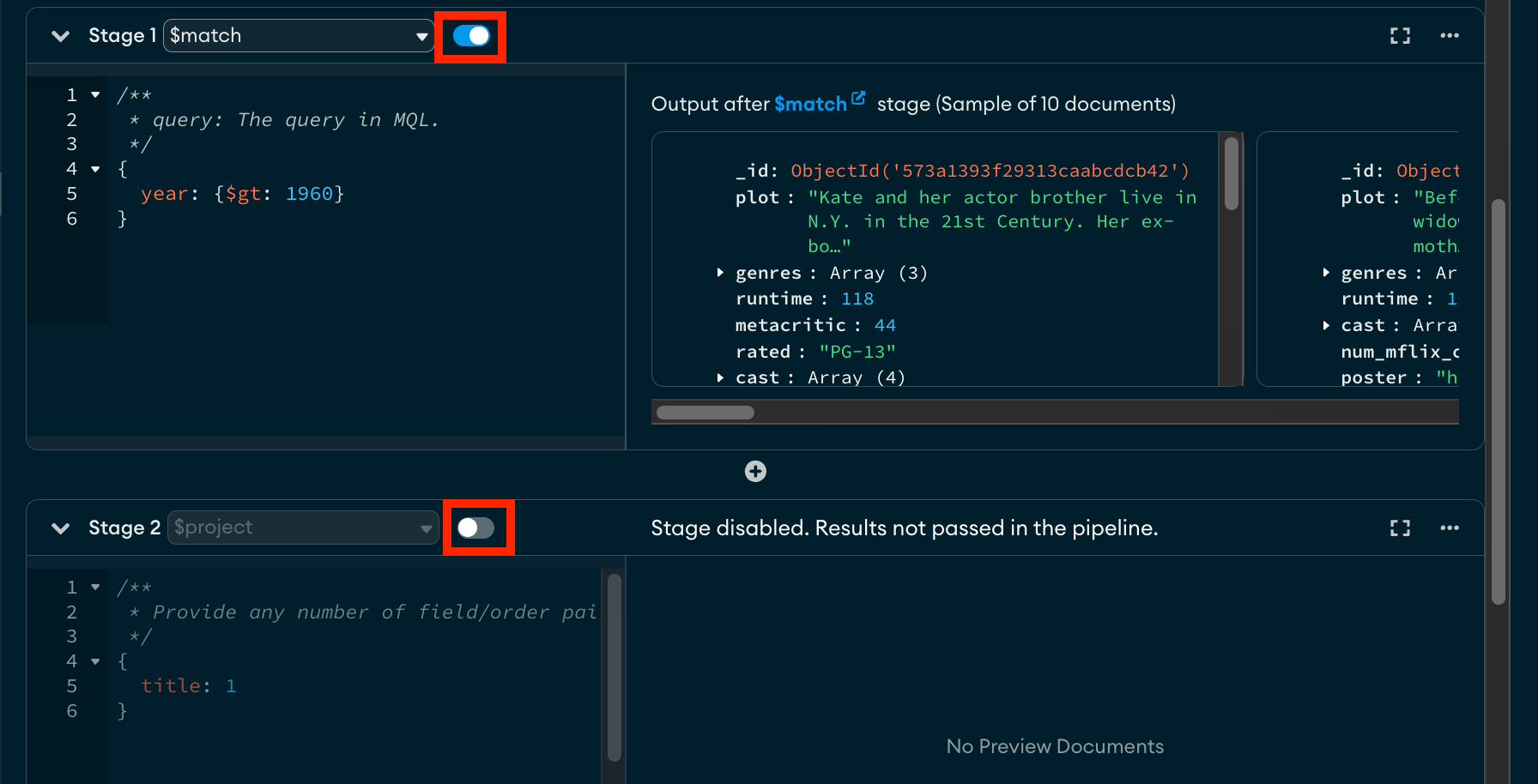
AtlasGoData Explorer在Atlas中,Go项目的 页面。
如果尚未显示,请从导航栏上的 Organizations 菜单中选择包含项目的组织。
如果尚未显示,请从导航栏的 Projects 菜单中选择您的项目。
在侧边栏中,单击 Database 标题下的 Data Explorer。
The Data Explorer displays.
重要提示:您还可以单击集群的名称以打开 Cluster侧边栏,然后单击Data Explorer Shortcuts标题下的 。

AtlasGoData Explorer在Atlas中,Go项目的 页面。
如果尚未显示,请从导航栏上的 Organizations 菜单中选择包含项目的组织。
如果尚未显示,请从导航栏的 Projects 菜单中选择您的项目。
在侧边栏中,单击 Database 标题下的 Data Explorer。
The Data Explorer displays.
重要提示:您还可以单击集群的名称以打开 Cluster侧边栏,然后单击Data Explorer Shortcuts标题下的 。
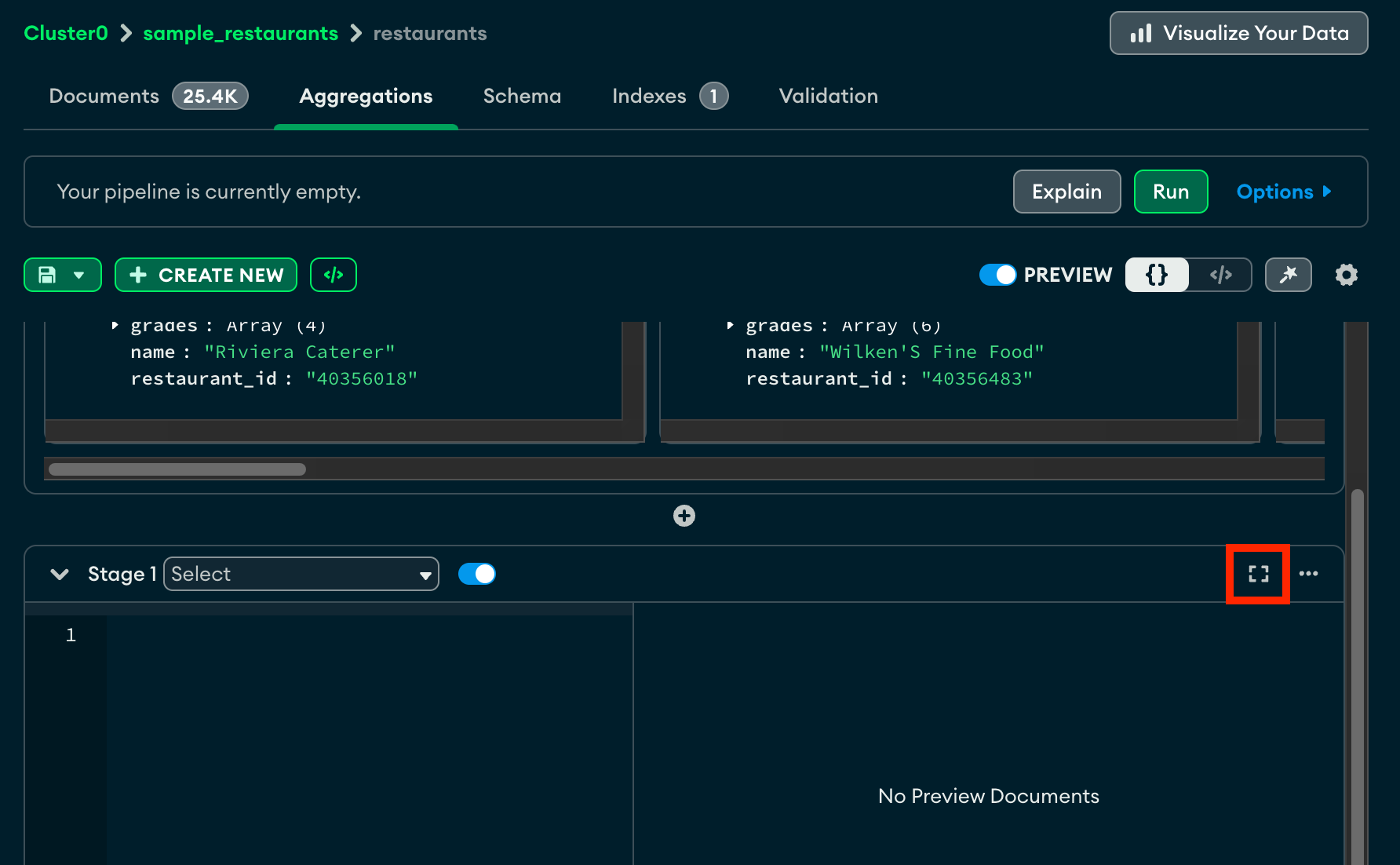
选择聚合管道阶段
Click the Select drop-down menu and select the aggregation pipeline stage to use for the first stage of the pipeline.
AtlasGoData Explorer在Atlas中,Go项目的 页面。
如果尚未显示,请从导航栏上的 Organizations 菜单中选择包含项目的组织。
如果尚未显示,请从导航栏的 Projects 菜单中选择您的项目。
在侧边栏中,单击 Database 标题下的 Data Explorer。
The Data Explorer displays.
重要提示:您还可以单击集群的名称以打开 Cluster侧边栏,然后单击Data Explorer Shortcuts标题下的 。