The Data Explorer provides an aggregation pipeline builder to process your data. Aggregation pipelines transform your documents into aggregated results based on selected pipeline stages.
MongoDB Atlas 聚合管道构建器主要用于构建管道,而不是执行管道。 管道构建器提供了一种导出管道以在驱动程序中执行的简单方法。
访问数据
要在Cloud Manager用户界面中与数据交互,请执行以下操作:
在MongoDB Cloud Manager中,转到项目的 Processes 页面。
如果尚未显示,请从导航栏上的 Organizations 菜单中选择包含所需项目的组织。
如果尚未显示,请从导航栏的Projects菜单中选择所需的项目。
在侧边栏中,单击 Database 标题下的 Processes。
The Processes page displays.
所需角色
要在Data Explorer中创建和执行聚合管道,您必须至少被授予Project Data Access Read Only角色。
To utilize the $out stage in your pipeline, you must have been granted at least the Project Data Access Read/Write role.
访问聚合管道构建器
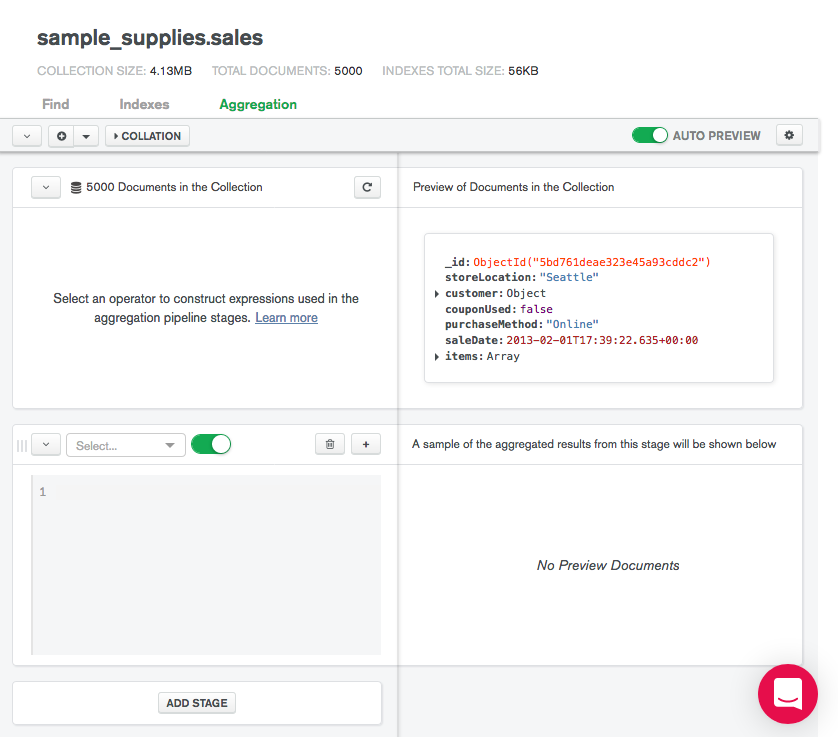
创建聚合管道
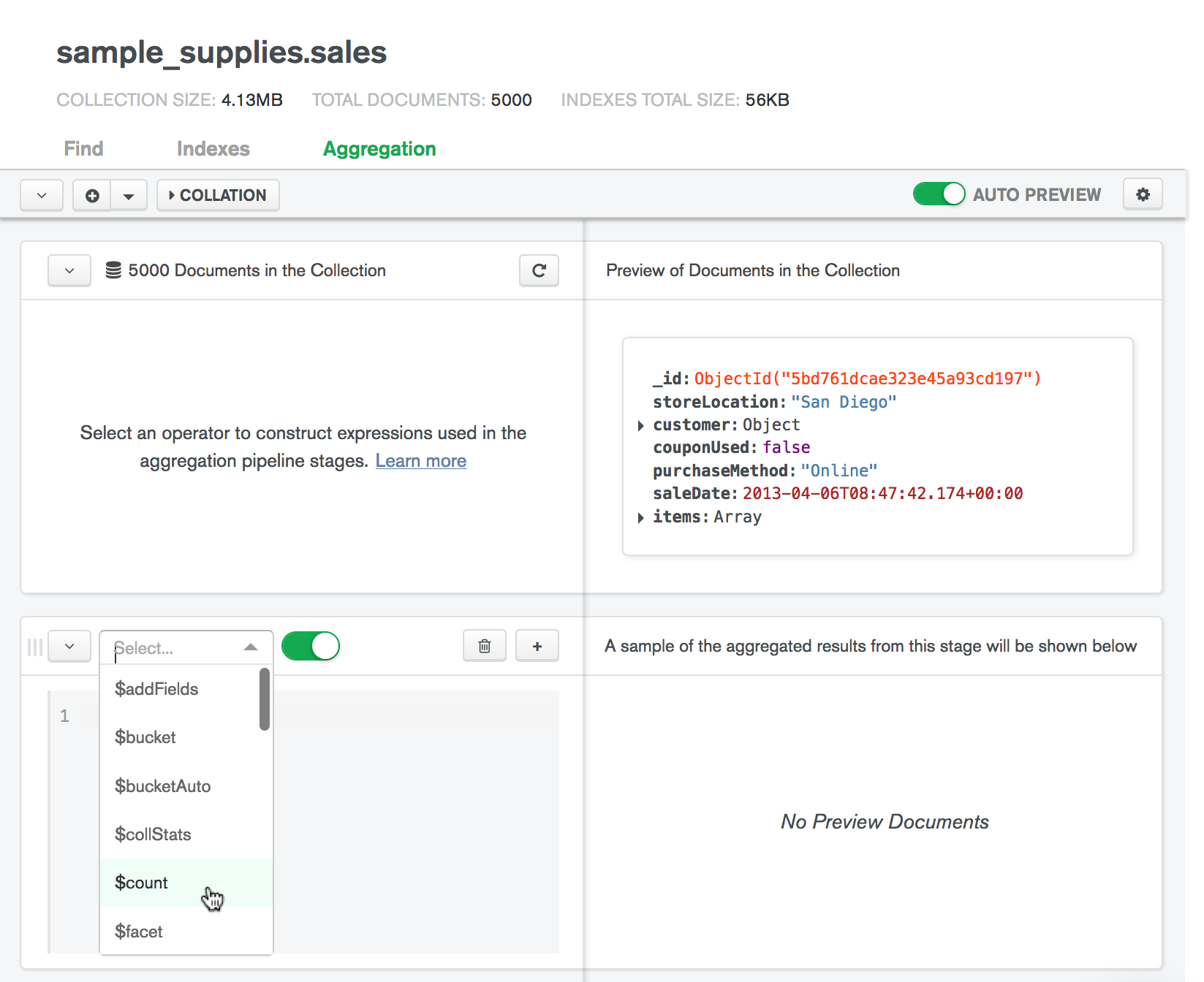
填充聚合阶段。
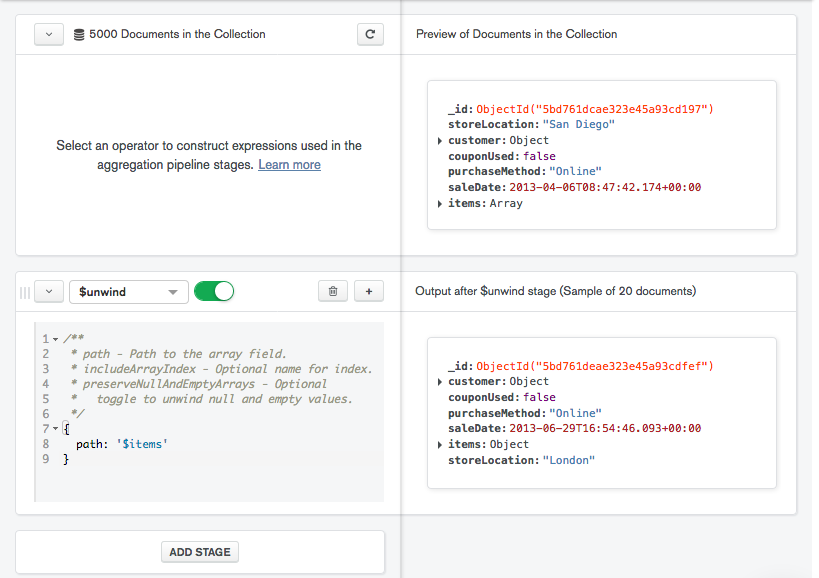
Fill in your stage with the appropriate values. If Comment Mode is enabled, the pipeline builder provides syntactic guidelines for your selected stage.
修改阶段时, Data Explorer会根据当前阶段的结果更新右侧的预览文档。
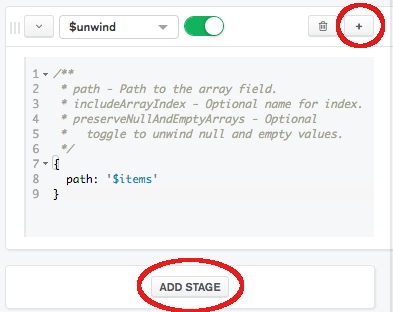
排序规则
使用排序规则来指定特定语言的字符串比较规则,如字母大小写和重音符号规则。
要指定排序规则文档,请点击管道构建器顶部的 Collation(排序规则)。
排序规则文档包含以下字段:
{ locale: <string>, caseLevel: <boolean>, caseFirst: <string>, strength: <int>, numericOrdering: <boolean>, alternate: <string>, maxVariable: <string>, backwards: <boolean> }
The locale field is mandatory; all other collation fields are optional. For descriptions of the fields, see Collation Document.
从文本导入 Aggregation Pipeline
您可以将聚合管道从纯文本导入到管道构建器中,以轻松修改和验证管道。
要从纯文本导入管道,请执行以下操作:
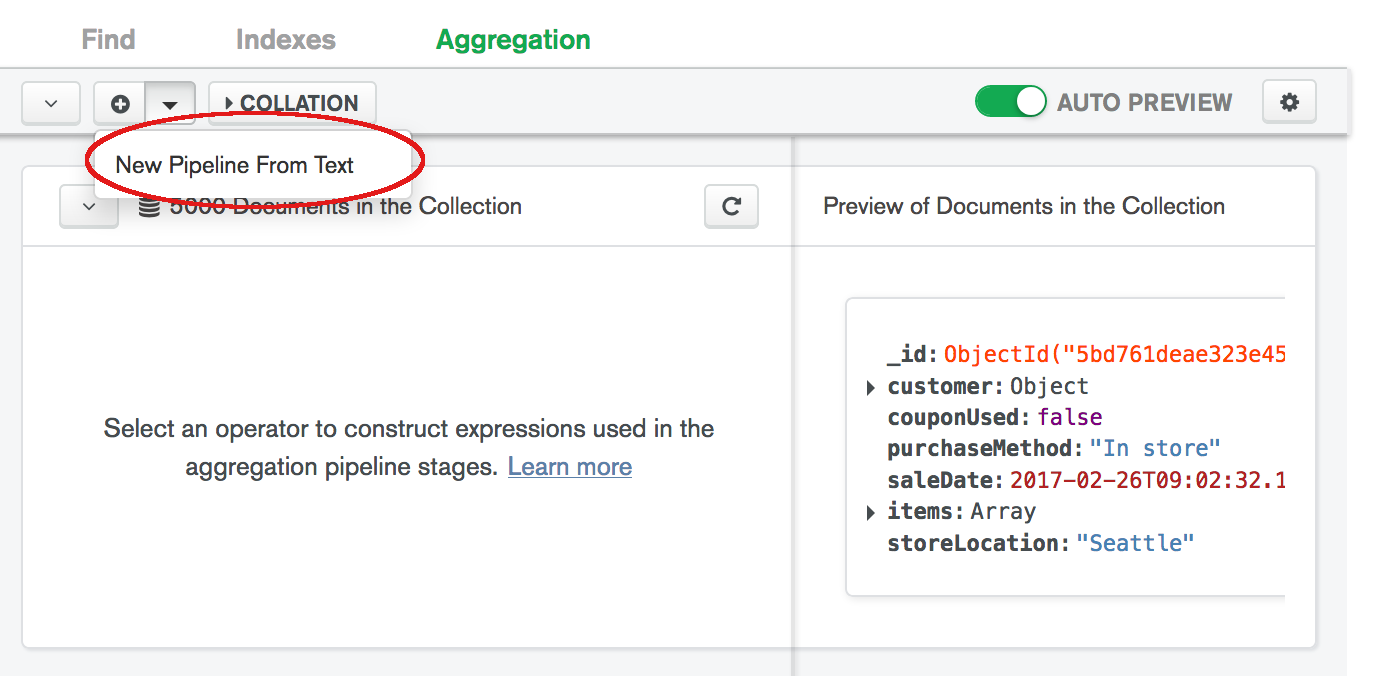
在此对话框中键入或粘贴管道。
Your pipeline must match the syntax of the pipeline parameter of the db.collection.aggregate() method.
重置管道
要使管道返回到初始空白状态,单击管道构建器顶部的“+”图标。
将聚合管道导出为客户端库语言
You can use the aggregation pipeline builder to export your finished pipeline to one of the supported client library languages; Java, Node, C#, and Python 3. Use this feature to format and export pipelines for use in your applications.
要导出聚合管道,请执行以下操作:
构建聚合管道。
For instructions on creating an aggregation pipeline, see Create an Aggregation Pipeline.
选择所需的导出语言。
在 Export Pipeline To 下拉菜单中,选择所需的语言。
The My Pipeline pane on the left displays your pipeline in mongosh syntax.
右侧窗格将以所选语言显示您的管道。
聚合管道设置
修改 aggregation pipeline 构建者设置:
