Atlas CLI 是什么?
The Atlas CLI is a command line interface built specifically for MongoDB Atlas. Interact with your Atlas database deployments and Atlas Search from the terminal with short, intuitive commands, so you can accomplish complex database management tasks in seconds.
安装 Atlas CLI。然后,运行 atlas setup

您能做什么
从命令行管理 Atlas
使用两个命令快速入门:
1
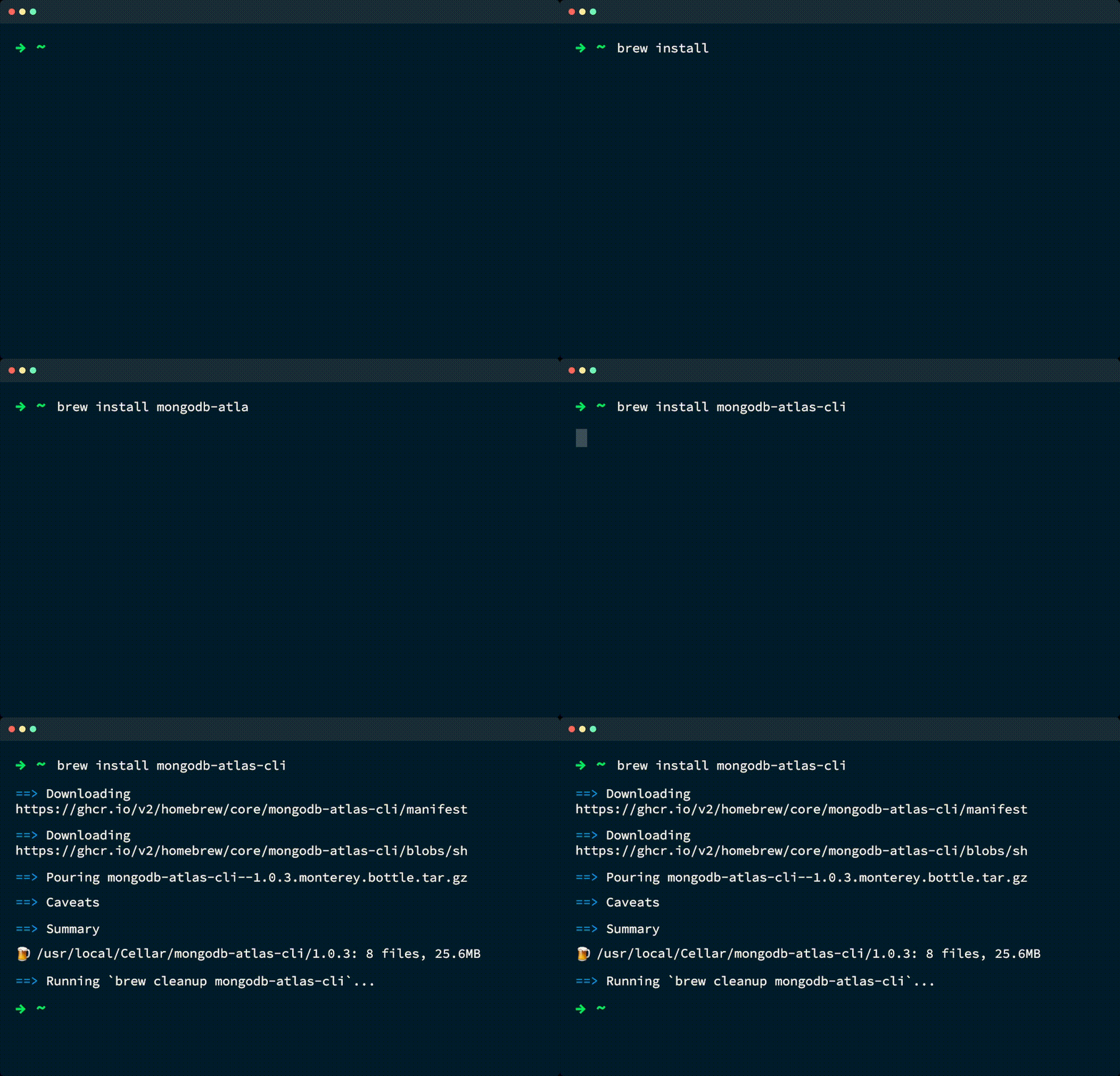
运行 brew install mongodb-atlas-cli
有关安装 Atlas CLI 的更多方法,请参阅我们的文档。
1
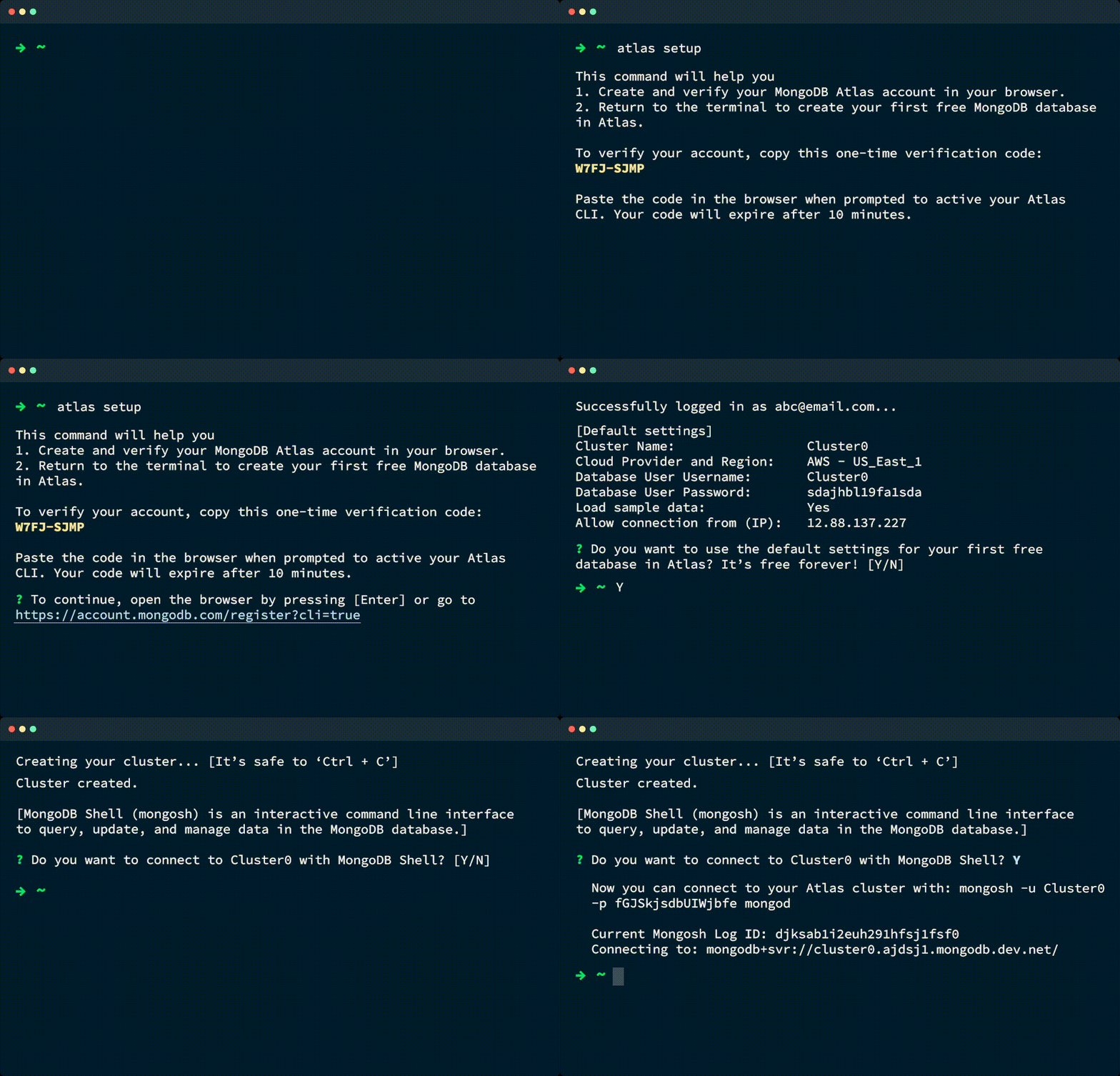
运行 atlas setup
atlas setup 使用一条命令即可执行以下所有操作:
注册一个 Atlas 帐户。
使用新的 Atlas 账号进行身份验证。
创建一个免费数据库。
Loads sample data into your Atlas database.
将您的 IP 地址添加到项目的 IP 访问列表中。
为 Atlas 数据库部署创建 MongoDB 用户。
Connects to your new database deployment using the MongoDB Shell,
mongosh.
要了解更多信息,请参阅 atlas setup 命令。
1
运行 atlas local setup
要了解更多信息,请参阅 从 Atlas CLI 管理本地和云部署。
1
运行 atlas local search indexes create
要学习;了解更多信息,请参阅将MongoDB Search 和 向量搜索 与Atlas结合使用。
相关产品和资源
进一步使用 Atlas CLI
通过高级教程等学习 Atlas CLI 命令并优化您的工作流程。


