At the heart of every software application is critical data. MongoDB is the next-generation non-relational database for modern applications designed to use modern cloud computing platforms, such as Google Cloud. If you’re looking to leverage software as a competitive advantage — whether it’s to reduce time to value or replace legacy technology — MongoDB on Google Cloud can help you achieve it.
MongoDB on Google Cloud
MongoDB + Google Cloud = A Win for Developers
You’re the team behind your company’s applications, and nothing is more important than spending your time developing features for your end users. MongoDB Atlas, the global cloud database service for MongoDB, provides three key benefits:
- Developer experience and productivity
- Global-scale and scalability right out of the box
- High availability capabilities for MongoDB on Google Cloud
If it feels like everywhere you look, organizations are moving to cloud services, including Amazon Web Services (AWS) and Azure, it’s because they are. Whether the reasons are security, data protection, data modernization, or cost and/or performance of operations, IT executives are launching cloud migration initiatives in every industry.
However, many businesses tend to “lift and shift,” which is essentially taking what’s running on-premises and moving it to a cloud provider. This can be just as expensive as whatever they were doing previously, if not more. And it does not provide much benefit in terms of developer experience. A Google Cloud-managed MongoDB cluster makes it easy to work with data, taking the operational heavy lifting away from the application teams and developers, while at the same time driving ROI and enabling the full potential of the database to be realized.
With a cloud-hosted version of MongoDB on Google Cloud, you can improve time to value of your applications, as well as increase efficiency of product delivery compared to using legacy technology on premises.
Why Run MongoDB on Google Cloud?
MongoDB Atlas is a database as a service (DBaaS) for MongoDB, a quick and easy solution for deploying in the cloud. Atlas, paired with Google Cloud Platform, gives you access to Google’s 24 data centers across the world, with the highest possible speed and reliability.
“We're very glad we moved to the cloud when we did. Shifting quickly to Google Cloud and MongoDB Atlas put us in a position to innovate and thrive even in the most difficult circumstances.” - Vadim Supitskiy, Chief Technology Officer at Forbes
MongoDB evangelists are developers across thousands of diverse organizations like Sega, GAP, Adobe, NBC Universal, and UPS. They all rely on MongoDB’s usability, scalability, and performance every single day for their day-to-day activities and development workflows.
- MongoDB Atlas on Google Cloud reduces operational complexity, allowing developers to stay nimble. This allows you to focus on innovation rather than infrastructure.
- MongoDB Atlas on Google Cloud introduces elastic scalability at the push of a button and auto-scale, powering everything from high-traffic websites and mobile apps, to live entertainment ticketing platforms and data analytics businesses.
How to Deploy MongoDB in Google Cloud
Here is our quick guide to creating an account and launching a free tier instance of MongoDB on Google Cloud. More information can also be found in the documentation.
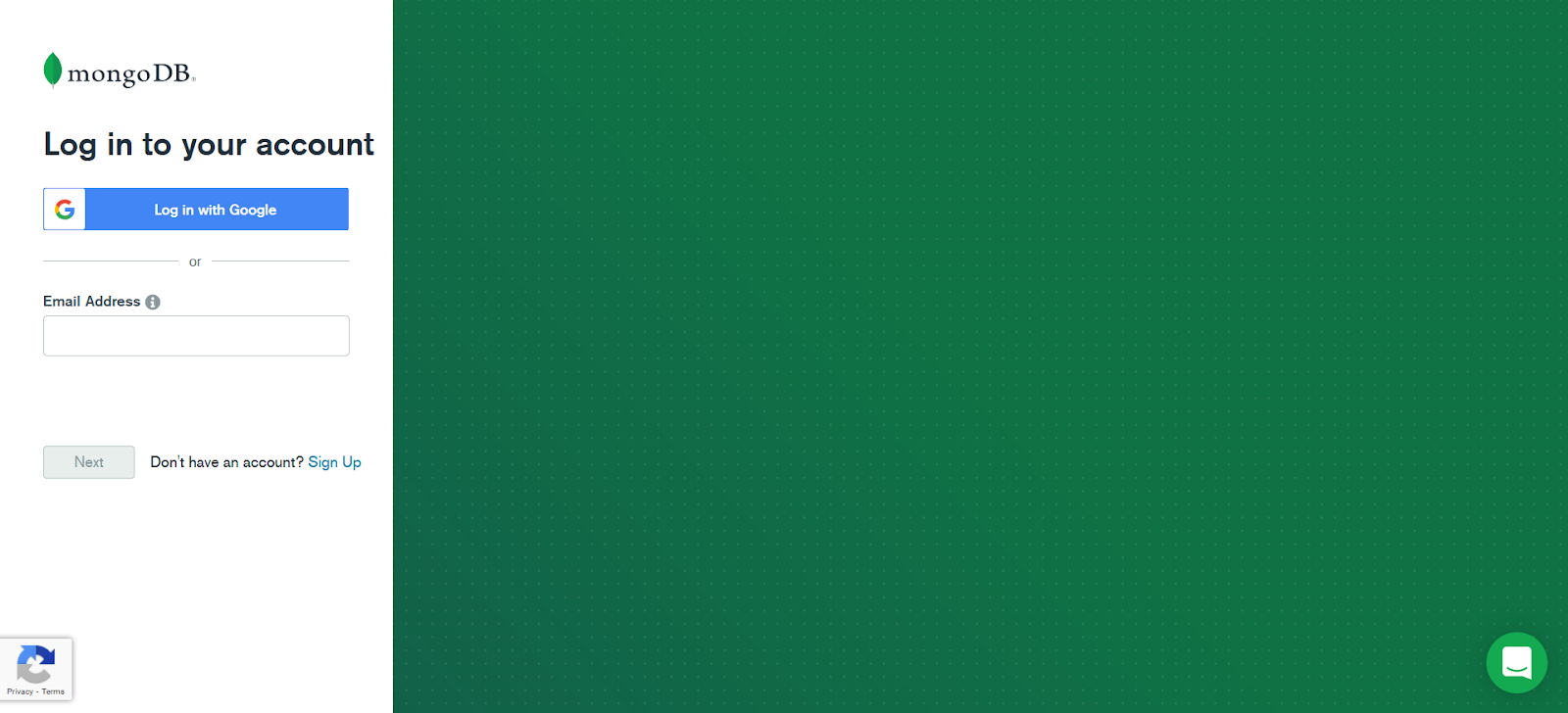
- Begin by creating a free MongoDB account. After creating an account, log into your account and create an organization and a project. Atlas will prompt you to build your first cluster.
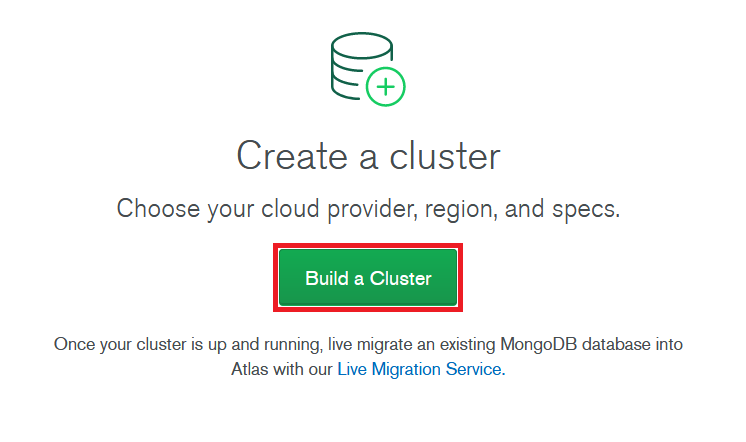
2. Click on Build a Cluster.
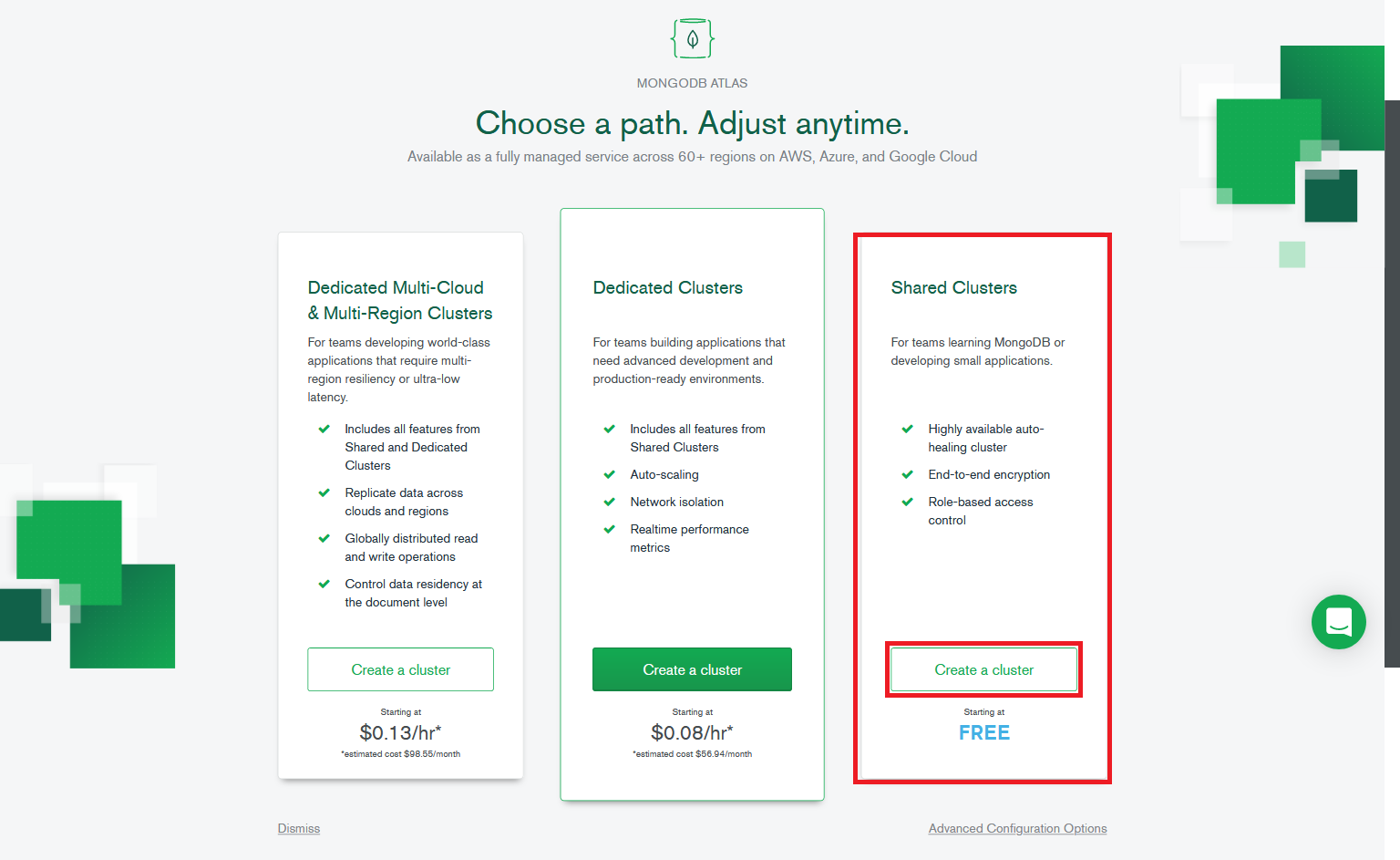
3. On the next prompt, select Shared Clusters and click on Create a cluster.
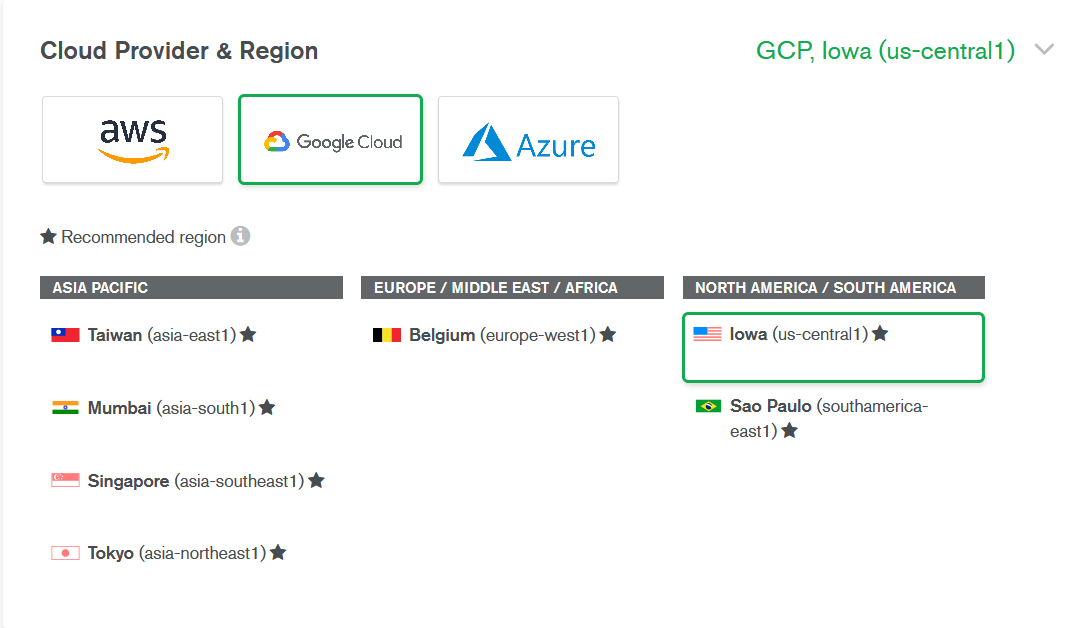
4. Select Google Cloud as the preferred Cloud Provider and your preferred region for the cluster.
5. Select M0 Sandbox for Cluster tier. This tier is free forever and is suitable for learning purposes.
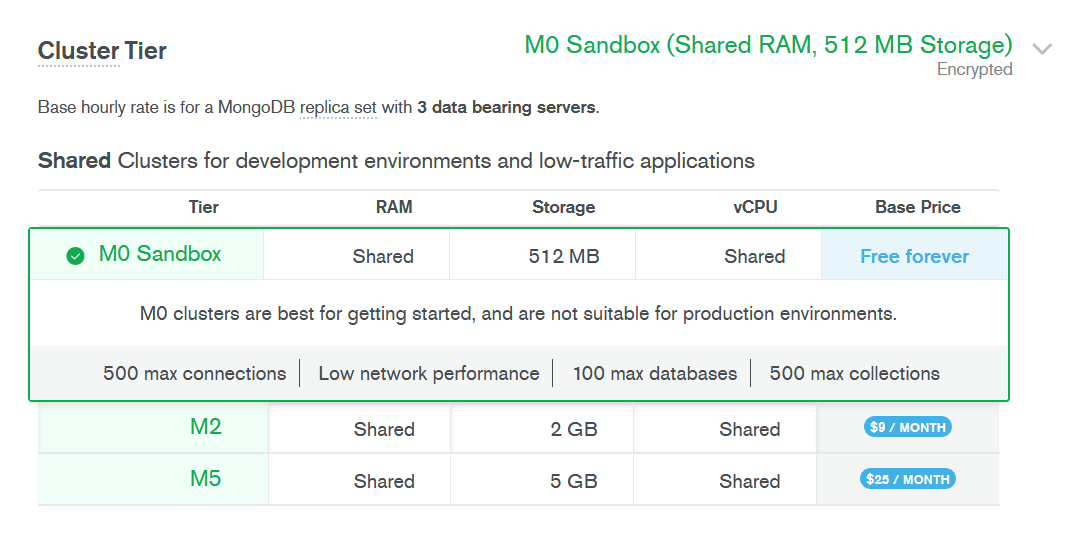
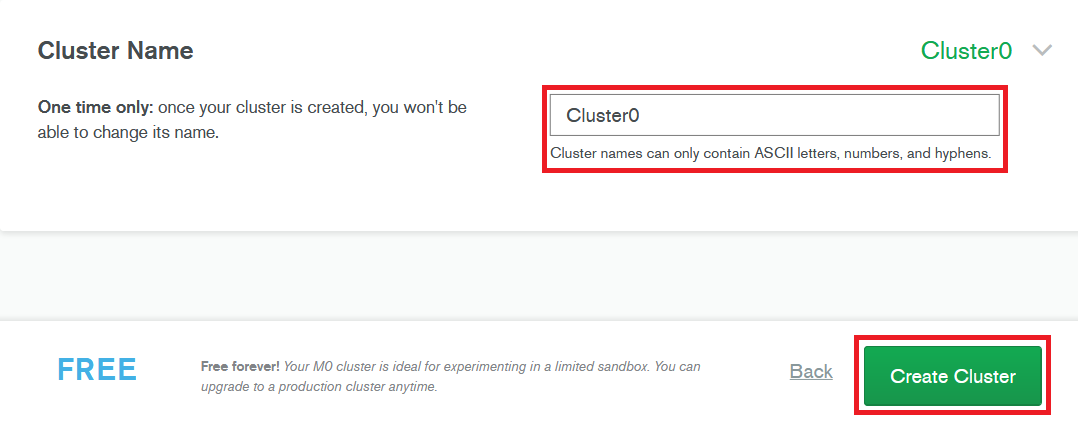
6. Finally, give your cluster a name, or leave the default, and click on Create Cluster.
Exploring MongoDB Atlas on Google Cloud
Now that you have a free tier Atlas cluster hosted on Google Cloud, there are so many features and functionality that you can explore:
Using MongoDB Atlas on Google Cloud
Many of our customers are choosing to use MongoDB Atlas with Google App Engine for a variety of reasons, from managing and implementing large product catalogs, to building best-in-class customer experiences or designing global mobile applications.
Australian company TEG uses MongoDB Atlas clusters to power its recently launched secondary ticketing platform, to make sure they are providing an optimal experience to their hundreds of thousands of customers.
A fully managed non-relational document (JSON) database like MongoDB on Google Cloud can unlock massive potential in your company’s architecture, through agility in scaling and resource management, seamless global cloud clusters, and premium monitoring as standard. There is nothing more important to a developer than reducing complexity, resulting in more time to focus on innovation.
Related Resources
Get started with Atlas today
Get started in seconds. Our free clusters come with 512 MB of storage so you can play around with sample data and get oriented with our platform.
GET STARTED WITH:
- 125+ regions worldwide
- Sample data sets
- Always-on authentication
- End-to-end encryption
- Command line tools