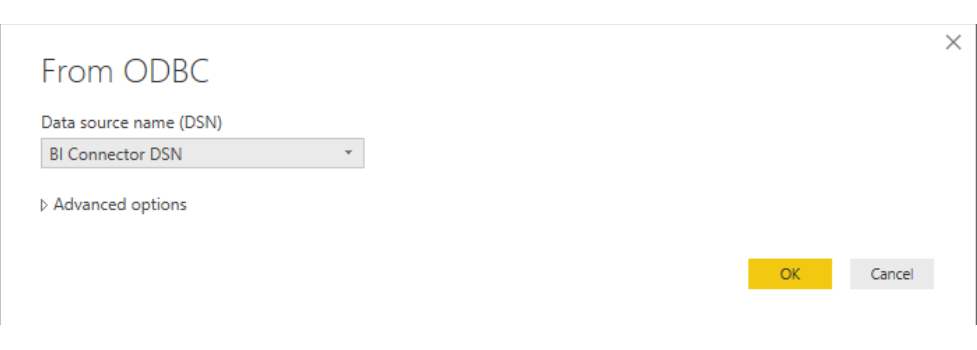
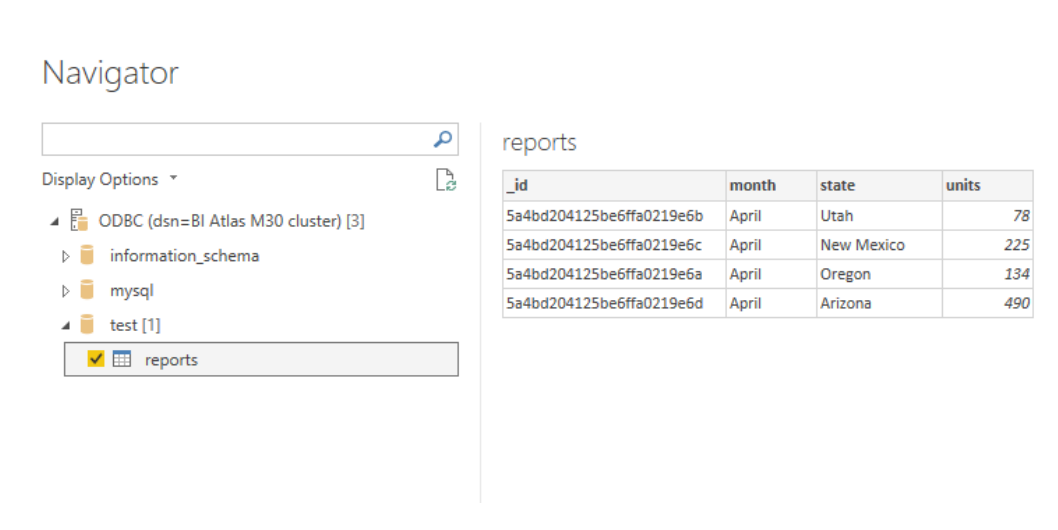
本教程演示如何使用 Microsoft Power BI Desktop 连接到 MongoDB Connector for BI。
重要
MongoDB Connector 不支持Power BI中的直接查询。但是, Atlas SQL确实支持Power BI中的直接查询。要从 Power BI连接到Atlas SQL ,请参阅从 Power BI连接。
先决条件
- 创建 64 位系统数据源名称 (DSN)。
本教程演示如何使用 Microsoft Power BI Desktop 连接到 MongoDB Connector for BI。
MongoDB Connector 不支持Power BI中的直接查询。但是, Atlas SQL确实支持Power BI中的直接查询。要从 Power BI连接到Atlas SQL ,请参阅从 Power BI连接。