TOOLS
Mongosync. Migrate data between separate MongoDB clusters.
Migrate data between MongoDB clusters across environments, including on-premises, private clouds, and MongoDB Atlas.
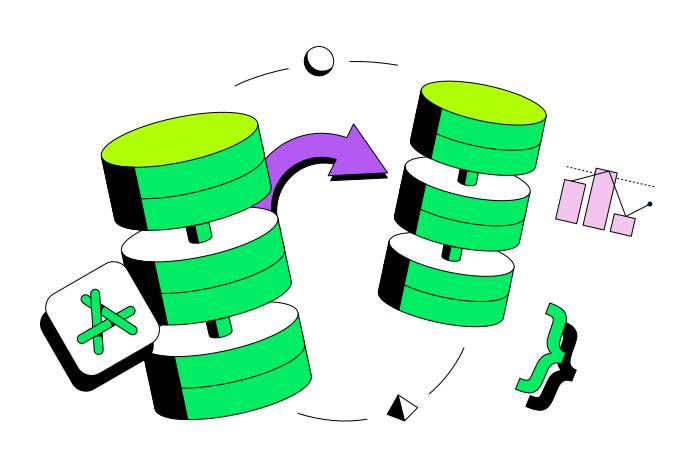
Migrate your cluster anywhere you want to run it
MongoDB gives you the flexibility to run anywhere and mongosync helps you move your data there. You can easily migrate your databases that are on-premises, in a private cloud, hybrid cloud, or public cloud with minimal downtime.
Get more control over your migrations
Mongosync gives you more options like migrating between different versions of MongoDB and migrating from a replica set to a sharded cluster.
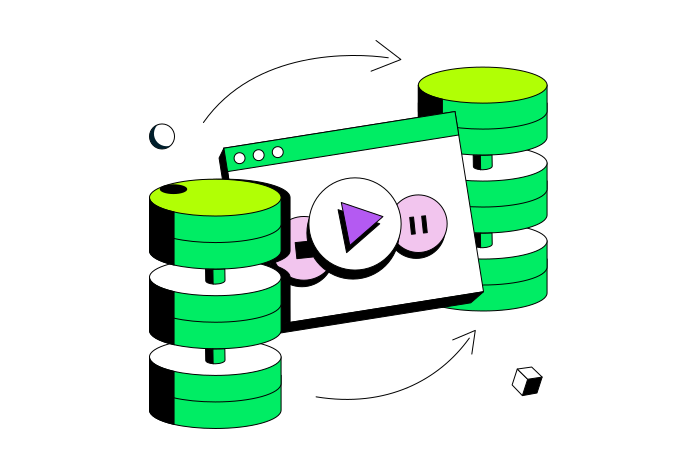
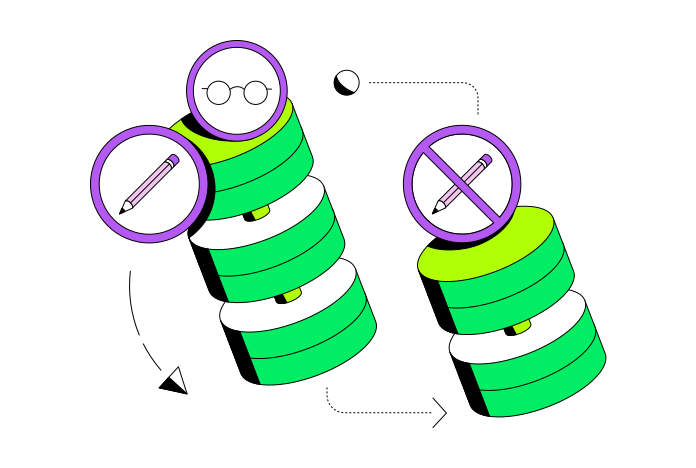
Less downtime, more successful migrations
Your original cluster keeps working while the migration takes place. Easily resume synchronization in case of interruptions. An embedded verifier makes sure all your data is correct before you perform the cutover to the new cluster.
Feature overview

Multi-environment support
Migrate data between MongoDB clusters across environments, including on-premises, private clouds, and MongoDB Atlas.

Embedded verifier
Automatically verify that all your data was successfully migrated to the new cluster.

Filtered sync
Synchronize specific data sets rather than the entire cluster.

Unlike topology support
Sync between clusters with different sharding configurations including from a replica set to a sharded cluster.

High resiliency
Synchronization is resilient with a replica set election on the source and destination clusters.

Resumability
Pause and resume your data synchronization as needed. Restart from where you left off even in the event of network connection failure.

Encrypted transfer
Securely synchronize across clusters with end-to-end encryption.

Reverse direction
Reverse the direction of synchronization, swapping source and destination clusters when necessary.

Principal Data Architect for the State of Utah
Principal Data Architect for the State of Utah


Mongosync is free for Atlas and Enterprise Advanced users. If you are a Community Edition user planning to migrate to Atlas, please consult with your MongoDB account team for guidance.
See the full list of supported versions in the Server Version Compatibility documentation page.
Mongosync currently supports replica set to replica set migrations, replica set to sharded cluster migrations, and sharded cluster to sharded cluster migrations.
See more in the Supported Cluster Topology documentation page.
Get started with Atlas today
- 125+ regions worldwide
- Vector search and full-text search
- Intelligent query generation
- Full-lifecycle encryption
- Languages, frameworks, and tools of your choice