Welcome to MongoDB Shell (mongosh)
The MongoDB Shell, mongosh, is a JavaScript and Node.js REPL environment for interacting with MongoDB deployments in Atlas, locally, or on another remote host. Use the MongoDB Shell to test queries and interact with the data in your MongoDB database.
_Spot.png)
从 Shell 访问 MongoDB
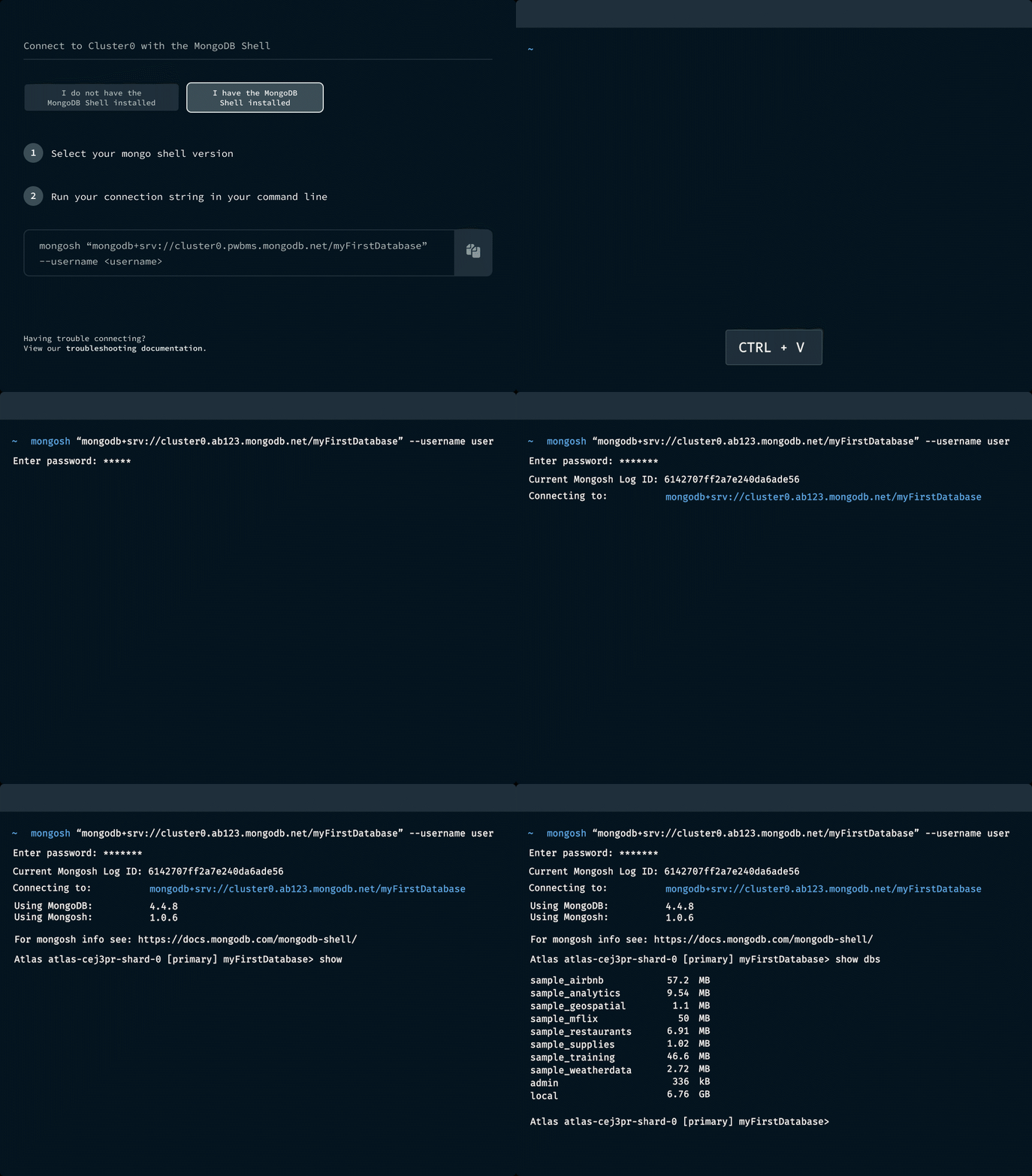
读取文档
Use the db.collection.find() method to query documents in a collection. For more information and examples, refer to Query Documents.
运行聚合管道
You can run aggregation pipelines in mongosh using the db.collection.aggregate() method. Aggregation pipelines transform your documents into aggregated results based on the stages you specify. For more information and examples, refer to Run Aggregation Pipelines.

管理数据库和集合
查看有关数据库的信息、创建collection或视图或删除数据库 — 一切都在 shell 中进行。请参阅所有数据库方法。
_Spot.png)
为 CRUD 或管理任务运行脚本
编写脚本以与 MongoDB Shell 一起运行,从而在 MongoDB 中执行 CRUD 或管理操作。
例如,如果您有一个 JavaScript 文件,用于将合成或模拟数据播种到开发或暂存环境中的 MongoDB 中,请使用以下命令运行该文件:
mongosh YOUR_JS_FILENAME.js
探索使用 MongoDB Shell 和 JavaScript 访问 MongoDB 的教程:编写脚本。
使用 .mongoshrc 创建自定义助手函数
是否要在 Shell 中重复编写大型辅助函数? 将它们存储在.mongoshrc 配置文件中。 例如,如果您经常将日期字符串转换为 ISO 格式以进行查询,则在.mongoshrc中创建一个函数来处理:
function toISO(dateString) { return new Date(dateString).toISOString(); }
然后,调用mongosh中的函数:
db.clientConnections.find( { connectTime: toISO("06/07/2017") } )
有关更多信息,请参阅从配置文件执行代码。
使用或发布代码片段
将现有代码段提取到代码库中以方便重复使用。 或者为您的自定义使用案例创建并共享代码片段。
例如,您可能有一个代码片段来验证您每天作为 Cron 作业导入的数据。 您可以发布此代码段,以便您的开发团队可以访问它。 发布到社区注册表或配置私有注册表。
有关详细信息,请参阅注册表和注册表配置。
_Spot.png)
其他强大功能

使用外部或内置编辑器处理多行函数。超越面向行的 mongosh 默认控制台。

访问过去 30 天内任何会话的会话日志。 查找您不太记得的命令事务语法,或者查找您可以编写脚本的常用命令。

了解mongosh支持哪些方法。获取支持方法的事务语法示例和参数详情。