What is MongoDB Compass?
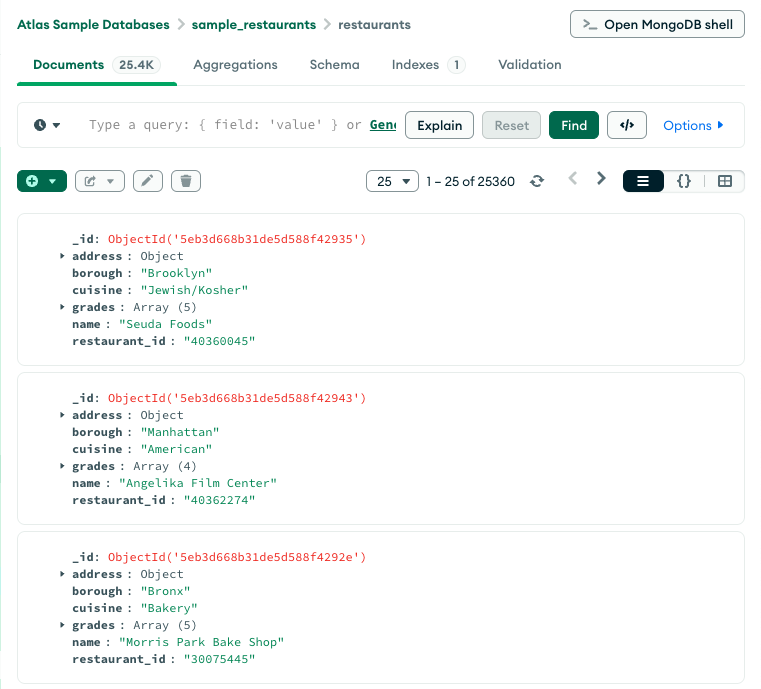
MongoDB Compass is a powerful GUI for querying, aggregating, and analyzing your MongoDB data in a visual environment.
Compass is free to use and source available, and can be run on macOS, Windows, and Linux.

Visually Explore Your Data
Explore some of the tasks Compass can help you accomplish, such as importing and managing data from an easy-to-navigate interface.
Connect to your deployment
Connect to a MongoDB deployment hosted on MongoDB Atlas, or a deployment hosted locally on your own machine.
To learn more, see Connect to MongoDBImport your data
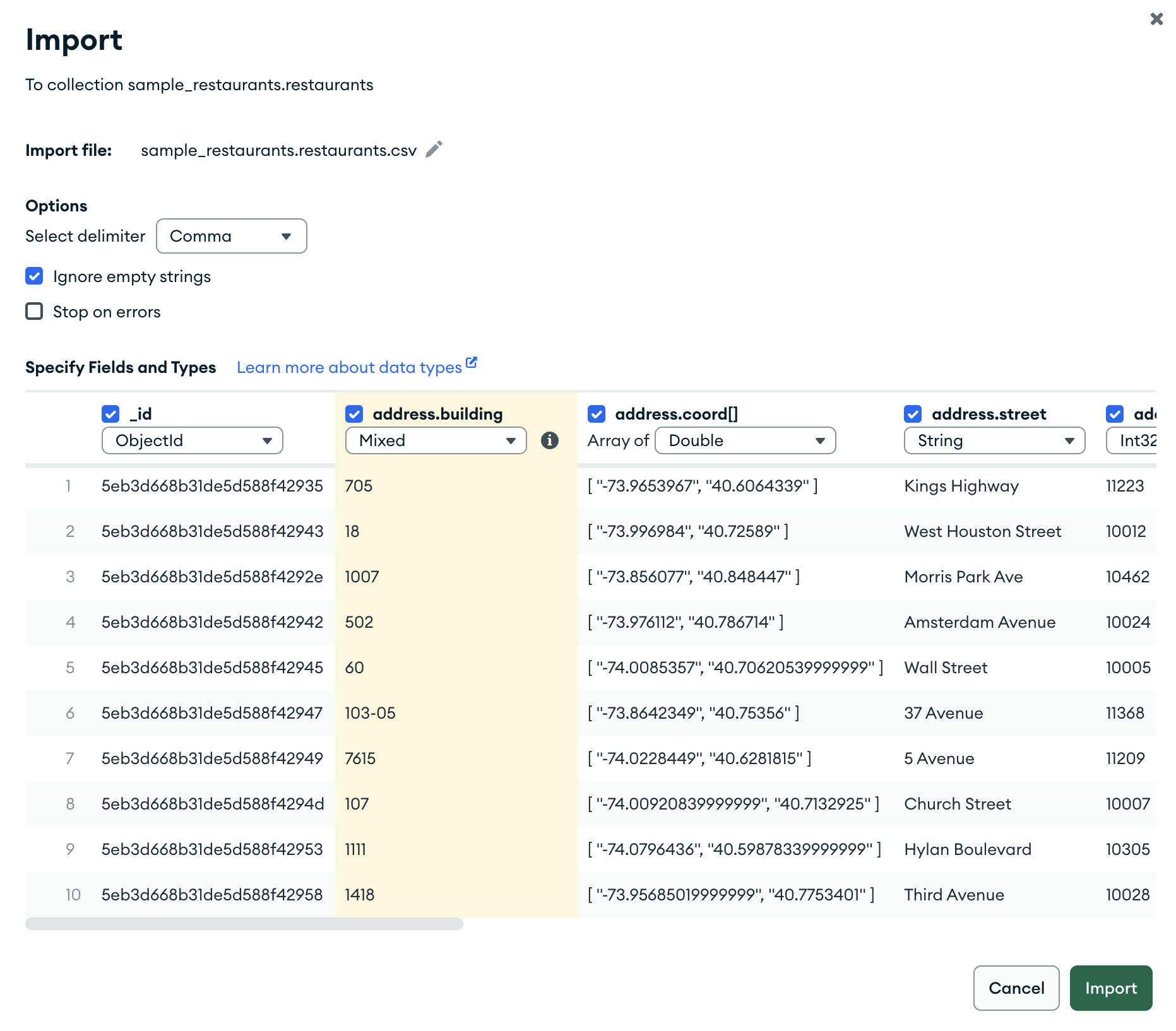
Import data from CSV or JSON files into your MongoDB database.
To learn more, see Import and Export Data
Insert documents into your collections
Paste documents into the JSON view, or manually insert documents using a field-by-field editor.
To learn more, see Insert Documents
Insert documents into your collections
Insert documents into your collections in two ways, JSON Mode and a Field-by-Field Editor.
To learn more, see Insert DocumentsCreate aggregation pipelines
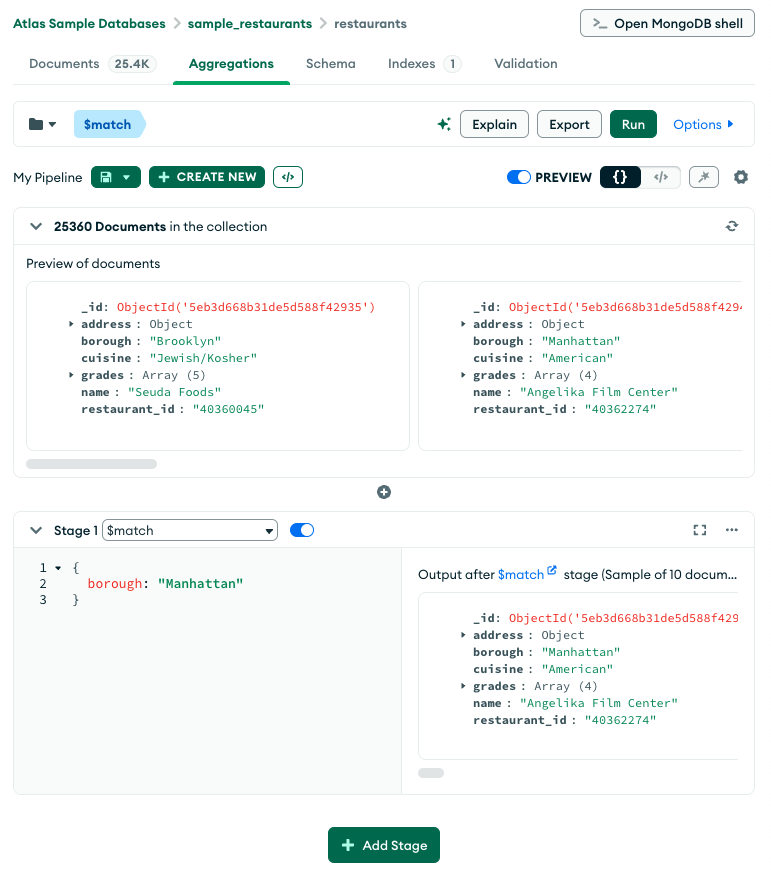
Write aggregation pipelines that allow documents in a collection or view to pass through multiple stages where they are processed into a set of aggregated results.
To learn more, see Aggregation Pipeline Builder
Connect to your deployment
Connect to a MongoDB deployment hosted on MongoDB Atlas, or a deployment hosted locally on your own machine.
To learn more, see Connect to MongoDBWork with your data in the MongoDB Shell
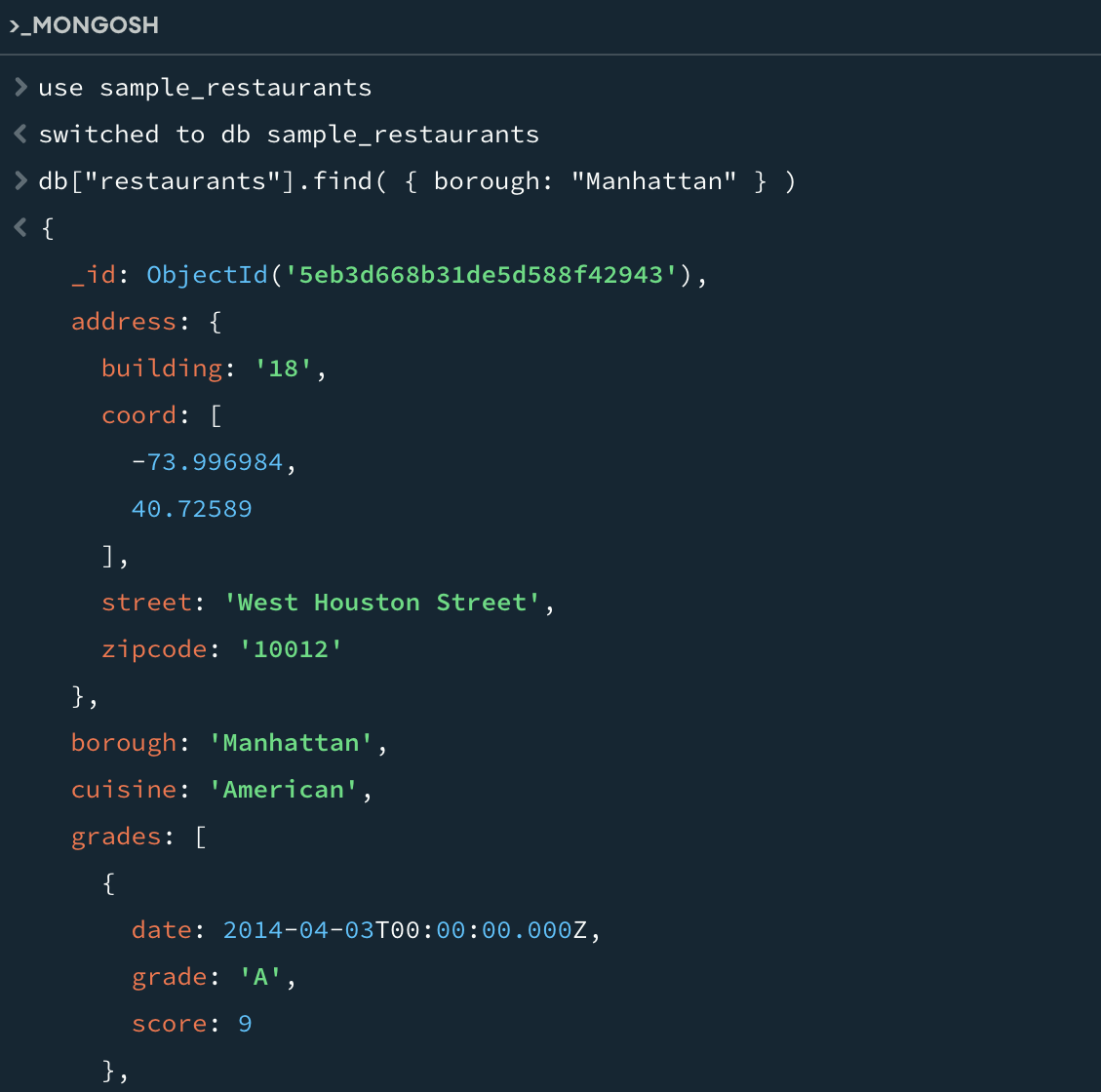
Use the embedded MongoDB Shell in Compass to control your data in an interactive JavaScript environment.
To learn more, see Embedded MongoDB Shell
Go Further with Compass
Expand your knowledge of MongoDB by using Compass with other MongoDB products.
Use Compass to connect to your Atlas cluster
Learn MongoDB Basics with MongoDB University
Access more in-depth examples of querying data