Overview
This page contains information to integrate Realm into your Electron application quickly. To learn how to set up an Electron application with Realm without using any additional frameworks, see the Electron set up instructions. If you have already created an application using Create React App or are interested in integrating a React App with Realm using Electron, check out the Electron with React set up instructions.
Antes de comenzar, asegúrese de tener:
Nota
Version Requirement
Realm works with any of the officially supported Electron versions. We recommend using the latest stable release. To see the officially supported Electron versions, check out the Electron Releases document.
Configuración
Set up Your Application Files
To begin developing your application, create an application directory:
mkdir myElectronApplication
Crear un index.html, main.js, and renderer.js file in the root directory of your application.
touch index.html main.js renderer.js
The main.js file is the entry point into your application and executes on the main process. It is responsible for loading your index.html file into Electron's BrowserWindow API. Any script files that you require in this HTML file will execute on a renderer process. Add the following to your index.html file:
<!DOCTYPE html> <html> <head> <meta charset="UTF-8" /> <title>Hello World!</title> </head> <body> <h1>Hello World!</h1> <script src="renderer.js"></script> </body> </html>
Agregue el siguiente código al archivo renderer.js:
const Realm = require("realm");
Nota
Each Electron application can only have one main process. The main process creates web pages. Each web page runs in its own process, known as a renderer process. To learn more about this, read the official Electron Process Model document.
Create the Main Script File
The main.js file is the entry point of your application. Create an Electron BrowserWindow in it and load your index.html file to display your HTML to users:
const { app, BrowserWindow } = require('electron') function createWindow () { const win = new BrowserWindow({ width: 800, height: 600, webPreferences: { nodeIntegration: true, contextIsolation: false } }) // to prevent the Sync Connection from ending prematurely, start reading from stdin so we don't exit process.stdin.resume(); win.loadFile('index.html') } app.whenReady().then(createWindow)
Set up a package.json
Initialize a package.json to begin installing packages and using them in your project. Run the following command in your terminal:
npm init -y
Your application file structure should resemble the following:
. |-- package.json |-- package-lock.lock |-- index.html |-- main.js // runs on the main process |-- renderer.js // runs on a renderer process
El archivo main.js se ejecuta en el proceso main. El archivo renderer.js y los demás archivos necesarios para éste o para index.html se ejecutan en un proceso de tipo renderer.

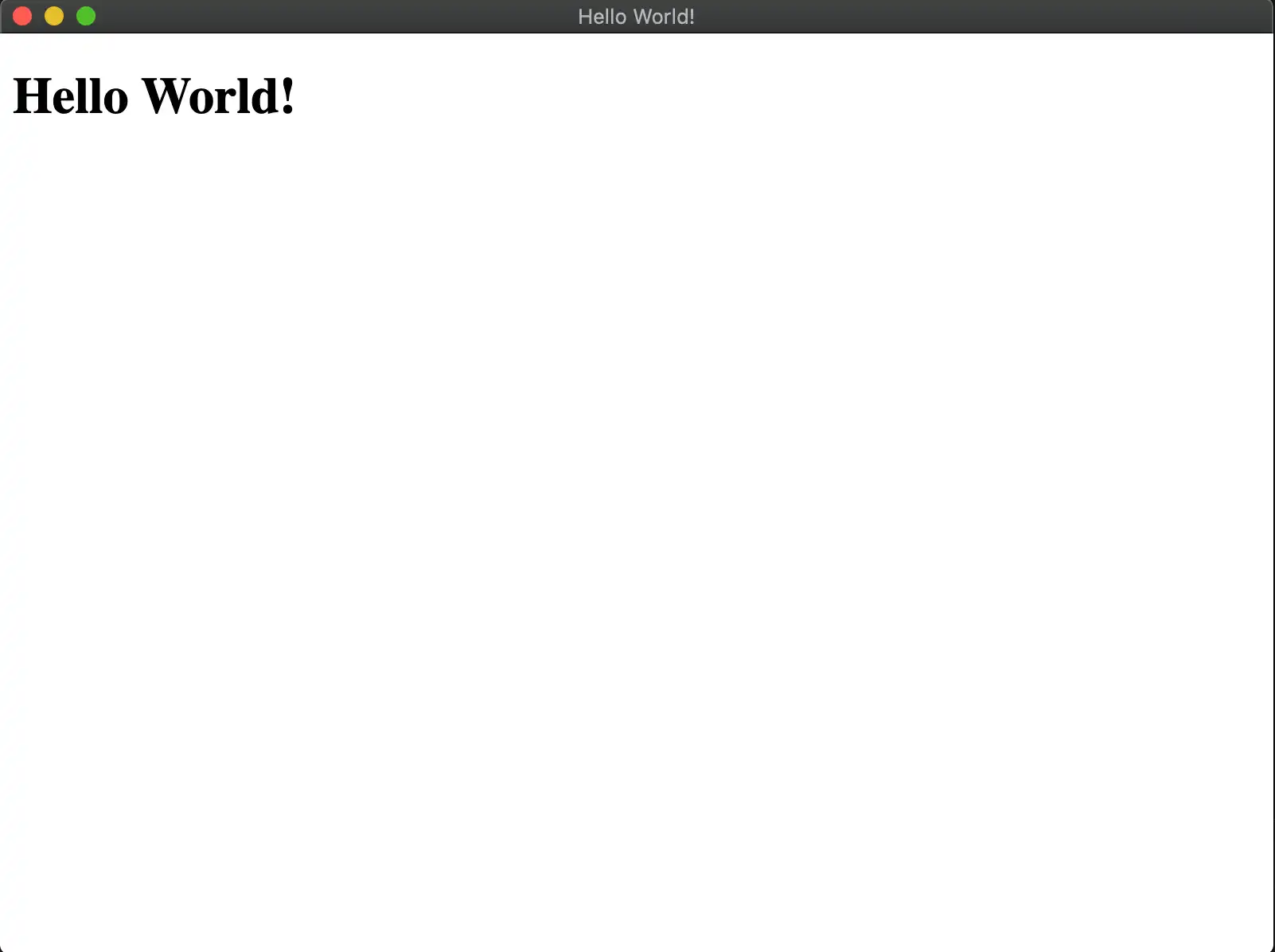
Abrir un reino
Authenticate a user, define a schema, and sync enabled Device Sync, then call Realm.open() in your renderer.js file.
Una vez que hayas abierto el reino, podrás escribir en él.
const app = new Realm.App({ id: "<Your App ID>" }); // create a new instance of the Realm.App async function run() { // login with an anonymous credential await app.logIn(Realm.Credentials.anonymous()); const DogSchema = { name: "Dog", properties: { _id: 'int', name: "string", age: "int", }, primaryKey: '_id' }; const realm = await Realm.open({ schema: [DogSchema], sync: { user: app.currentUser, partitionValue: "myPartition", }, }); // The myPartition realm is now synced to the device. You can // access it through the `realm` object returned by `Realm.open()` // write to the realm } run().catch(err => { console.error("Failed to open realm:", err) });
Nota
Para ver un ejemplo de cómo escribir en un reino desde renderer main los procesos y, consulte el repositorio realm-electron-advanced-quickstart.
Nota
Los binarios actuales de React Native están incluidos en el paquete realm. Puedes eliminar los binarios y el directorio react-native de la compilación. En tu archivo package.json, añade una entrada build.files y establece su valor en !**/node_modules/realm/react-native.