Code examples demonstrate how to use our products programmatically. High-quality, well-maintained code improves our documentation's usability, builds our credibility with users, and reduces reported issues.
This documentation provides guidance for writing code examples. For instructions on testing and maintaining code examples, see Grove Platform.
What is a Code Example?
A code example is a block of code of any size that is set apart from regular
text through a code directive, such as literalinclude or io-code-block.
For details on valid block-level code directives, see the Code Examples
reference.
For example, the following is an example of Python code:
print("Hello, World!")
The following is the source code to use the preceding code example in our docs:
.. literalinclude:: /path/to/code/hello.py :language: python :category: usage example :copyable: true
The code example renders on the page as a block of code.
Block-Level Directives
A block-level directive (for example, literalinclude) renders the code example
visually and functionally distinct from other page elements. It defines and displays
its content as code, instead of regular text.
It is also easier to read by human users and better interpreted by robot users (such as screen readers, AI models, and crawlers).
Use block-level directives that link directly to the code file (
literalincludeorio-code-block) for all code examples.Note
Avoid Hard-Coded Code Blocks for Code Examples
To support continuously tested code examples in our docs, link to the generated code file by using
literalincludeorio-code-blockdirectives instead of hard-coding a code example on the page by usingcode-block. See also Code Example Types.Do not use inline-level markup for code examples. Use inline code markup to format code-related references within text in
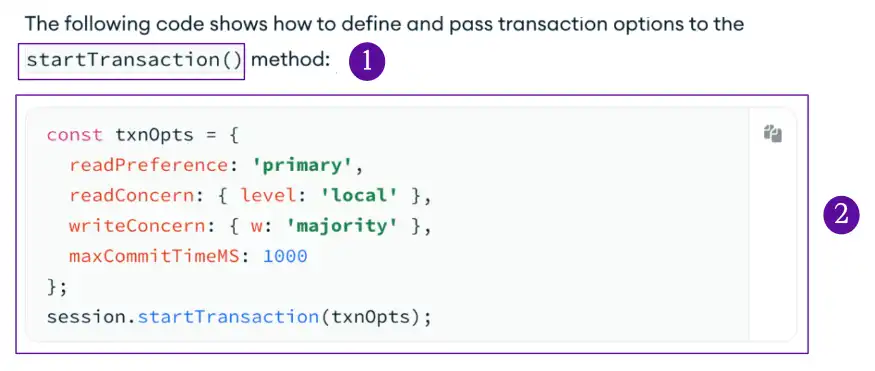
monospace(such as method names), as directed in Text Formatting.
Comparison of Inline and Block Markup
Inline code text (using inline formatting)
Block of code (using a block-level directive)