Still “bad auth:…” in trying to “New Connection” in MongoDB Compass.
“Image removed”
All I’m trying to do are my assignments with the following:
When I try in VS Code nothing happens. Which makes me think I need to install Compass and Shell.
Jason_Tran
September 25, 2023, 11:38pm
22
It still looks like the credentials or format is incorrect. Most likely credentials based off the screenshot. Same error is generated from my end when connecting with incorrect credentials. For troubleshooting purposes, try:
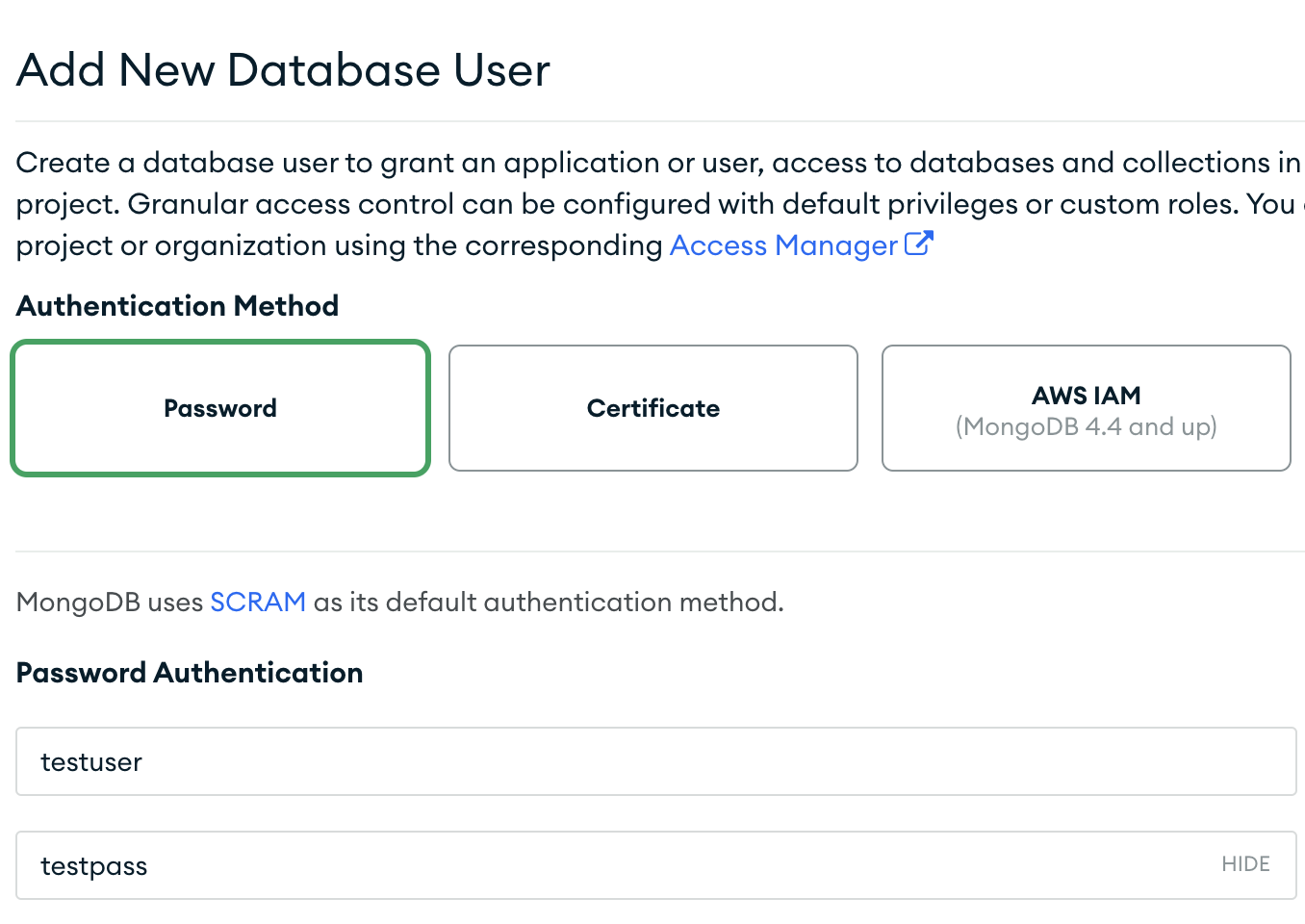
Create a new database user without uppercase or numbers or special characters (Authentication method Password). For example (Don’t use these same credentials):
Click "Show" on the password portion just to verify the password is correctly entered.
Copy and paste the username somewhere
Hit Copy on the same window when creating the user to copy and paste the password onto somewhere
Hit Add User and wait 1-2 minutes for changes to take effect
Try logging into Compass with this new user. Connection string format should be something like:
mongodb+srv://testuser:testpass@cluster0.vd7qxrw.mongodb.net/
Jylian_Summers:
All I’m trying to do are my assignments with the following:
When I try in VS Code nothing happens. Which makes me think I need to install Compass and Shell.
The command you’re running does not have any requirements with installing Compass or shell. Does the commands db.trips.find().count() or show dbs return anything in VS code?
Regards,
2 Likes
Jason_Tran
September 25, 2023, 11:52pm
23
If you’re able to connect then perhaps the following may help you with running queries via compass: https://www.mongodb.com/docs/compass/current/query/filter/
1 Like
I was able to connect, changed my password.
VS Code, no it doesn’t return anything.
Sorry for the taking long t reply. I’m new and can only post so much.
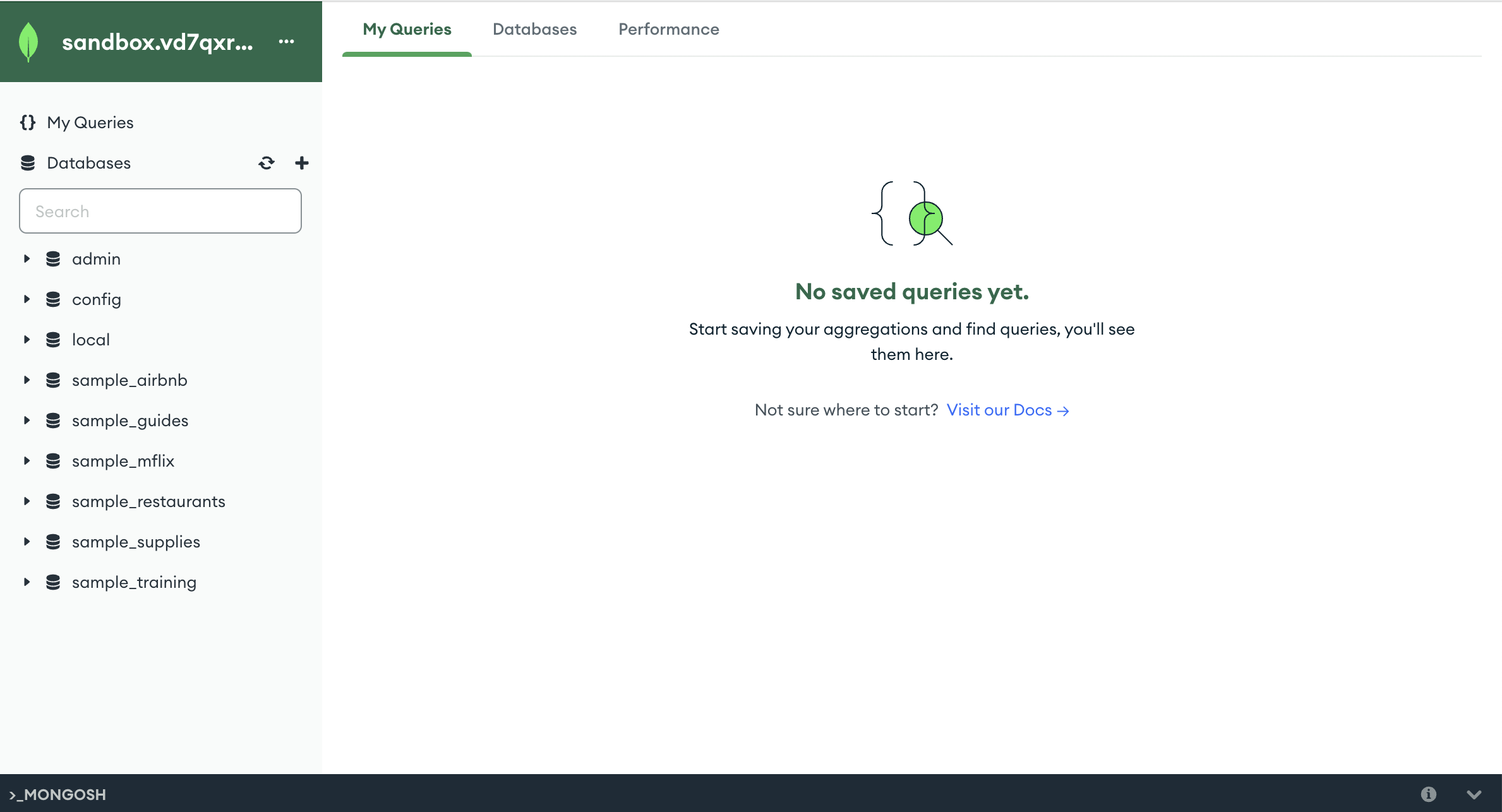
@Jason_Tran I now see MONGOSH when MongoDB Compass is open and the database for my class. I’m unable to see it in VSC.
system
October 4, 2023, 6:22pm
26
This topic was automatically closed 5 days after the last reply. New replies are no longer allowed.