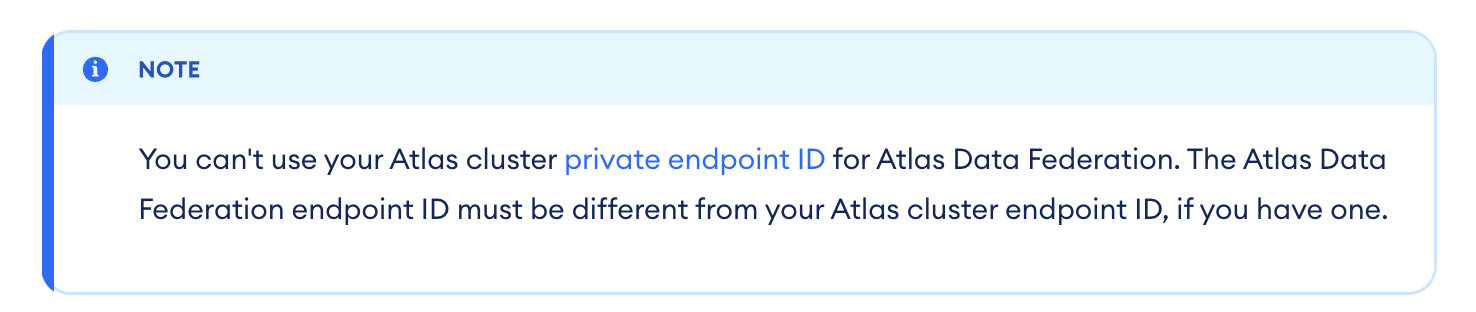
We have AWS endpoints configured for “Serverless instances” And we also configured the same endpoints as “Federated Database Instance” endpoints. (there is only 1 db in this project.)
We can connect via the Serverless Instance configuration:
root@ip-10-118-248-118:~# mongosh "mongodb+srv://one-off-eols-pe-1.sy7lxuo.mongodb.net/" --apiVersion 1 --username <user-name>
Enter password: ****************
Current Mongosh Log ID:  <snip>
Connecting to:          mongodb+srv://<credentials>@one-off-eols-pe-1.sy7lxuo.mongodb.net/?appName=mongosh+2.1.4
Using MongoDB:          7.2.0 (API Version 1)
Using Mongosh:          2.1.4
mongosh 2.1.5 is available for download: https://www.mongodb.com/try/download/shell

For mongosh info see: https://docs.mongodb.com/mongodb-shell/

Atlas test> exit
but the same host cannot connect using the “federated” connection string:
mongodb://adf-65ccf8c7b1ae6057ac282843-3p7nb-vpce-011621198e8a548ca.a-pl.query.mongodb.net/SRM-LM7805-EOL?ssl=true&authSource=admin
it fails and returns:
MongoServerSelectionError: read ECONNRESET. It looks like this is a MongoDB Atlas cluster. Please ensure that your Network Access List allows connections from your IP.
The IP’s being used are the same and the IPs have been added to the allow list.
we’ve checked all of the “troubleshooting steps” and we can port scan the DNS name and it shows that port 27017 is open and responding.
We are testing the connection at the command line as:
mongosh “mongodb://adf-65ccf8c7b1ae6057ac282843-3p7nb-vpce-011621198e8a548ca.a-pl.query.mongodb.net/” --tls --username
I have also tried including the port # and DB name on the command I get the same error
mongosh “mongodb://:@adf-65ccf8c7b1ae6057ac282843-3p7nb-vpce-011621198e8a548ca.a-pl.query.mongodb.net:27017/SRM-LM7805-EOL/” --tls