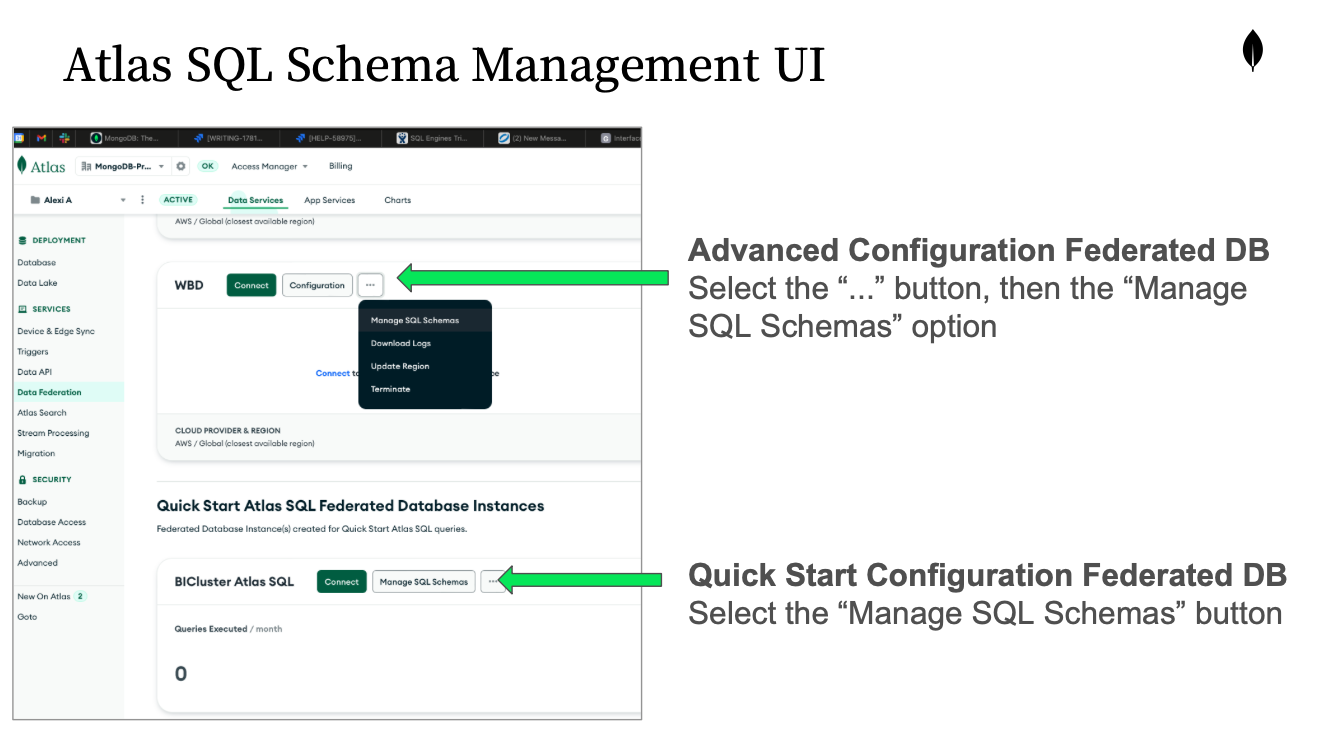
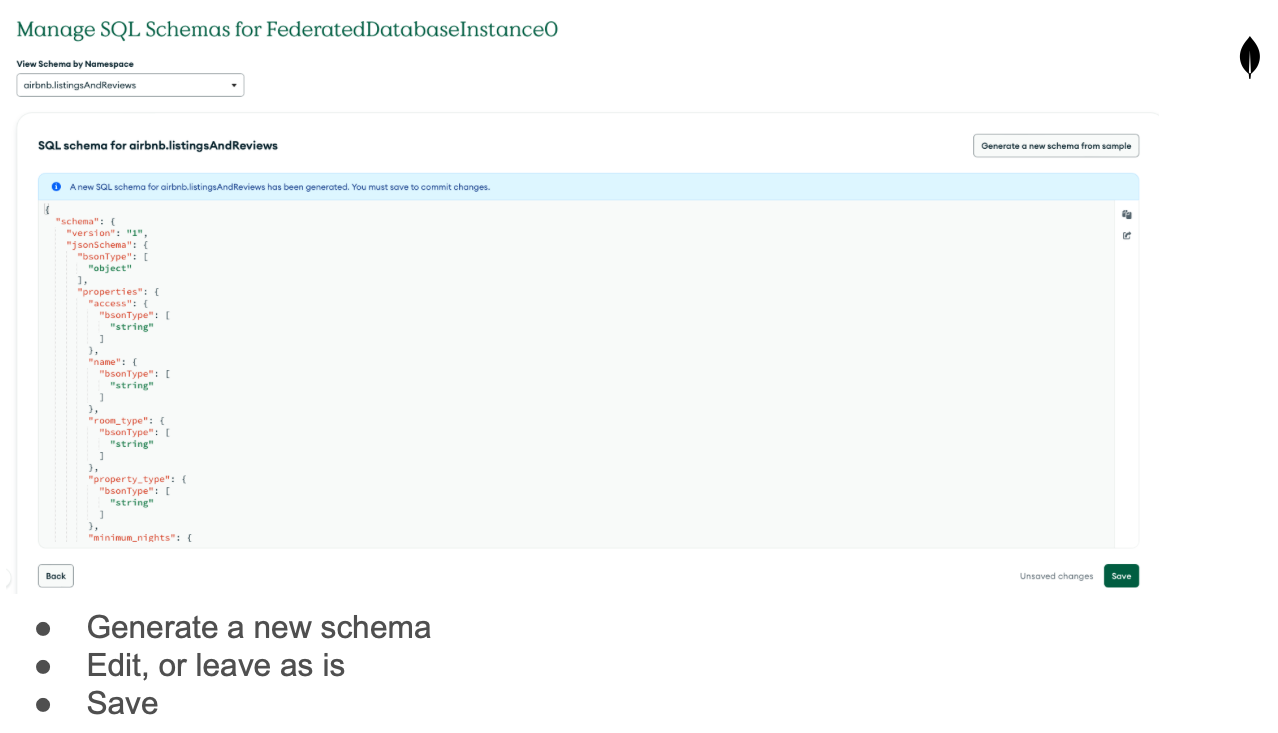
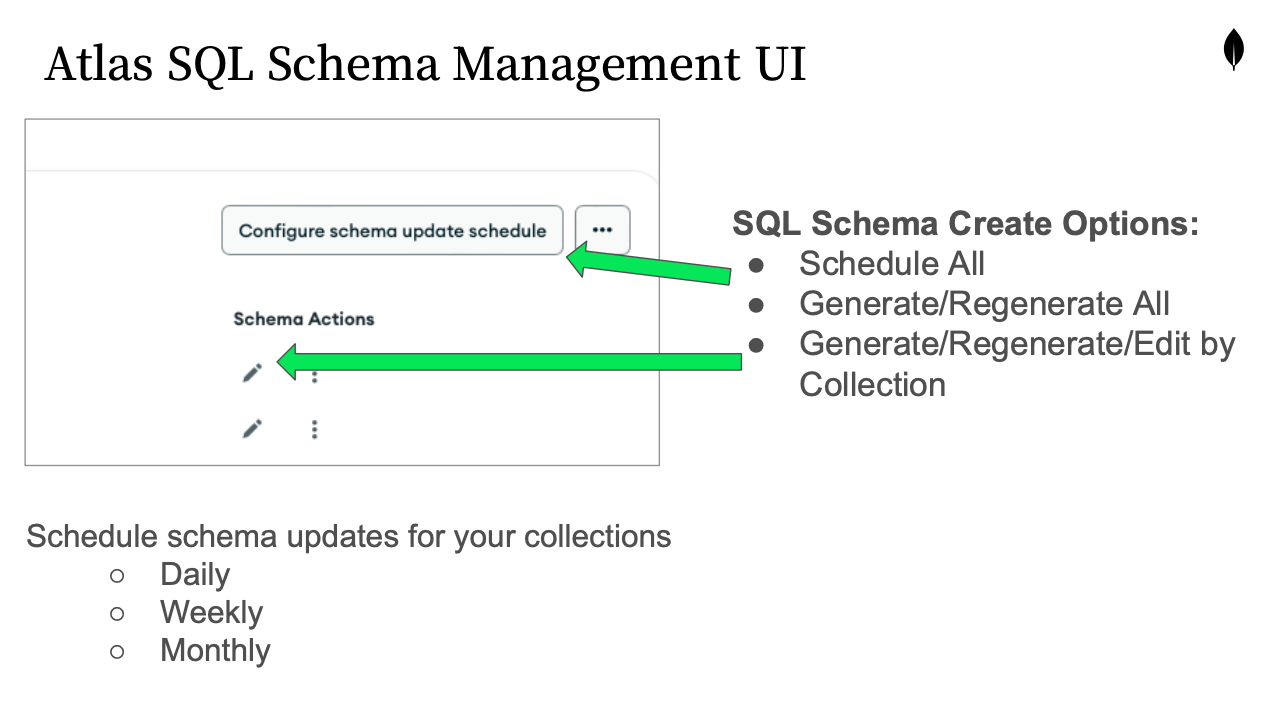
Greetings @Levi_Lais We did add in the ability to manage the SQL Schemas from within the Atlas UI (More specifically under the Data Federation menu). This error you received usually indicates that a sql schema is not available or needs to be generated. You can do so with the mongosh commands or through the UI.
When you mention the data within Excel being different, is that different comparing Atlas SQL ODBC and BI Connector? Or are you comparing Atlas SQL ODBC to Atlas SQL ODBC since this schema update to the UI? If you would like to send me some screenshots via email, I would greatly appreciate it. We did add some functionality to the ODBC Driver, I would like to make sure the data in Excel is as expected. alexi.antonino@mongodb.com