This is the Atlas user interface that appears to me:
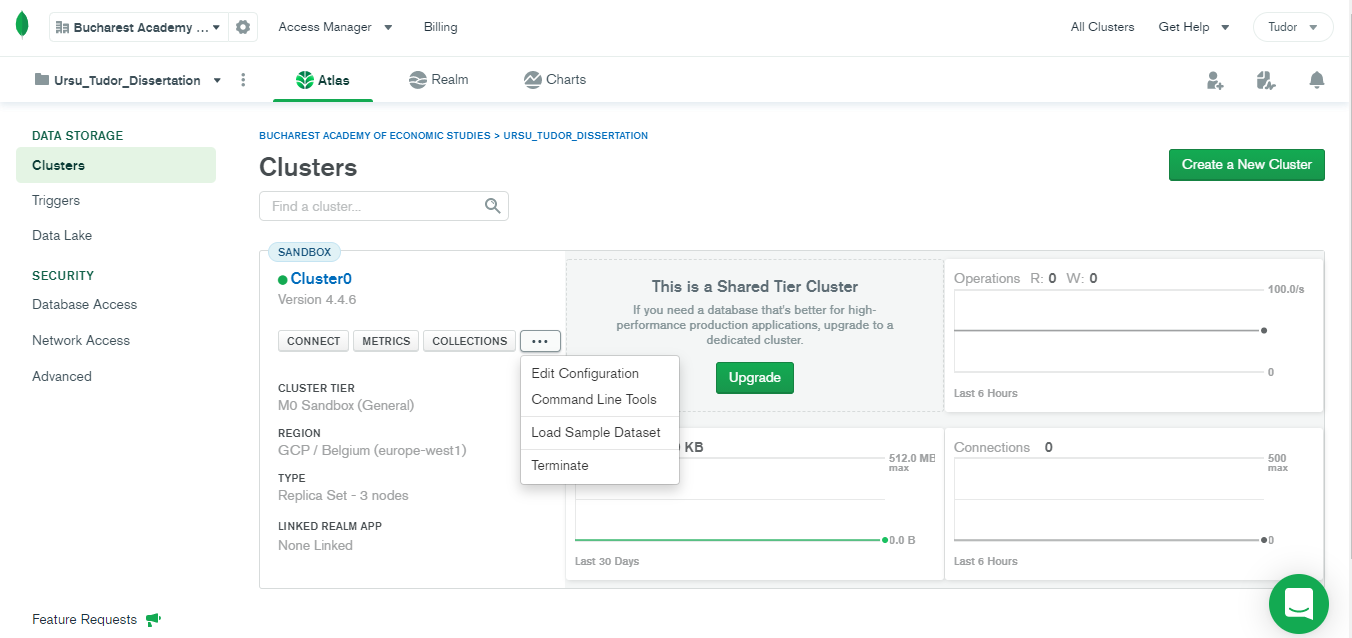
I cannot find here where to check the status.
I have Free Tier.
From these steps:
- Creating an Atlas Account.
- Deploy a Free Tier Cluster.
- Whitelist Your Connection IP Address.
- Create a MongoDB User for Your Cluster.
- Connect to Your Cluster.
- Insert and View Data in Your Cluster.
At first I took the first 4 steps, then, I jumped to step 6. I wanted to upload the data first, then to connect with an application.
Now, I tried to do the step 5, and could not perform it. I tried to connect from Google Colaboratory. At first it seemed ok, but when I tried to retrieve the collection names, I got this error:
ServerSelectionTimeoutError: connection closed,connection closed,connection closed, Timeout: 30s, Topology Description: <TopologyDescription id: 60c4a75ecb77fc969d50b269, topology_type: ReplicaSetNoPrimary, servers: [<ServerDescription ('cluster0-shard-00-00.acapz.mongodb.net', 27017) server_type: Unknown, rtt: None, error=AutoReconnect('connection closed')>, <ServerDescription ('cluster0-shard-00-01.acapz.mongodb.net', 27017) server_type: Unknown, rtt: None, error=AutoReconnect('connection closed')>, <ServerDescription ('cluster0-shard-00-02.acapz.mongodb.net', 27017) server_type: Unknown, rtt: None, error=AutoReconnect('connection closed')>]>
This is the python code I tried to use to connect with Atlas:
!pip install git+https://github.com/rthalley/dnspython
import pymongo
import dns

client = pymongo.MongoClient('mongodb+srv://tudor_15:Centurion15@cluster0.acapz.mongodb.net/myFirstDatabase?retryWrites=true&w=majority')

db = client['test']
col = db['test1']

#Till here, all is good

print(db.list_collection_names()) #here I get the error