I am a verified student utilizing the GitHub Student Developer Pack benefit for the free certification (specifically the Associate Developer Certification). I am experiencing a critical failure with the login integration.
The Problem
I am unable to properly link my Student Developer Pack benefit to my MongoDB University profile due to a persistent login failure:
-
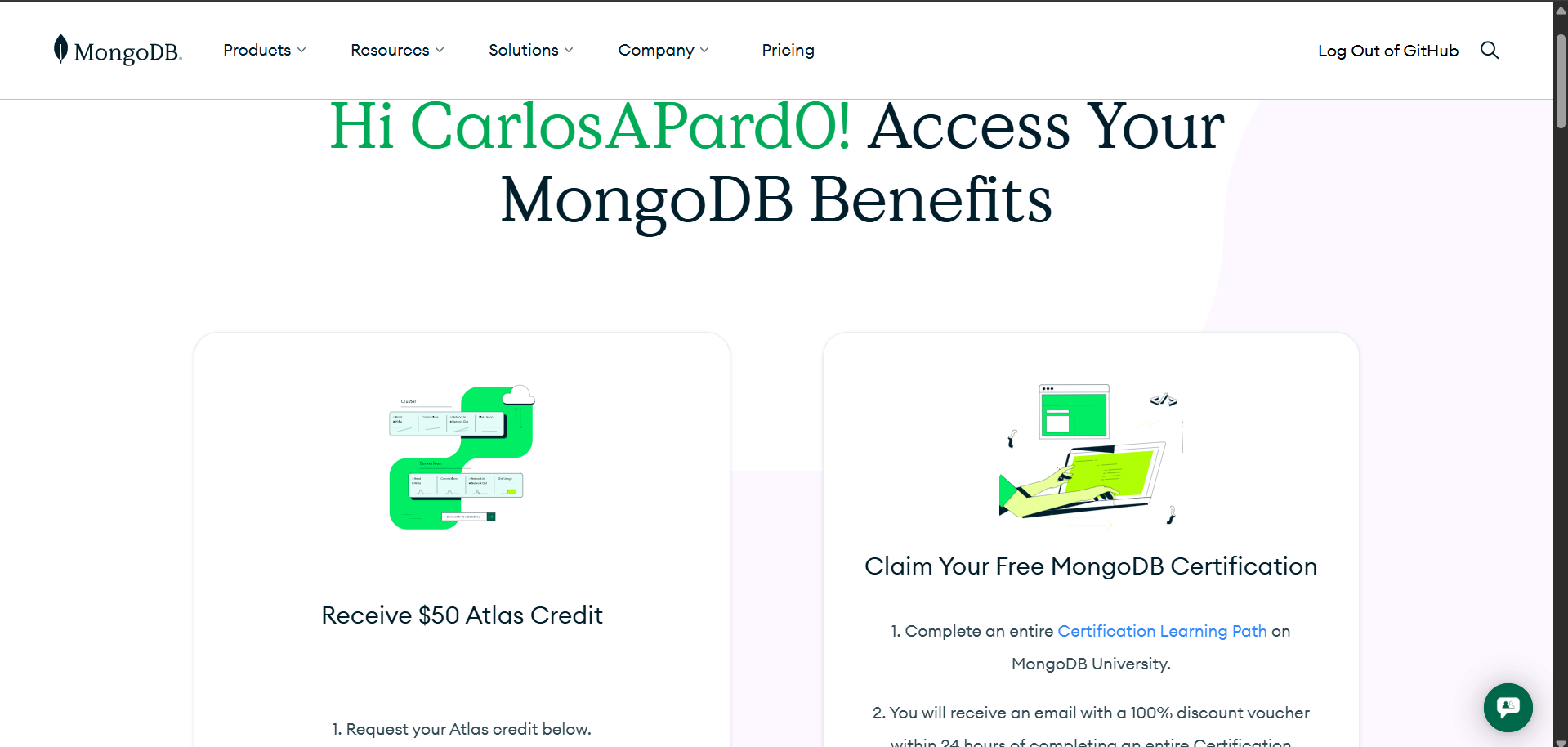
Successful Start: I successfully start the process from the GitHub Education portal. I can log in to mongodb.com using the GitHub button, and the system recognizes me as a student on that page.
-
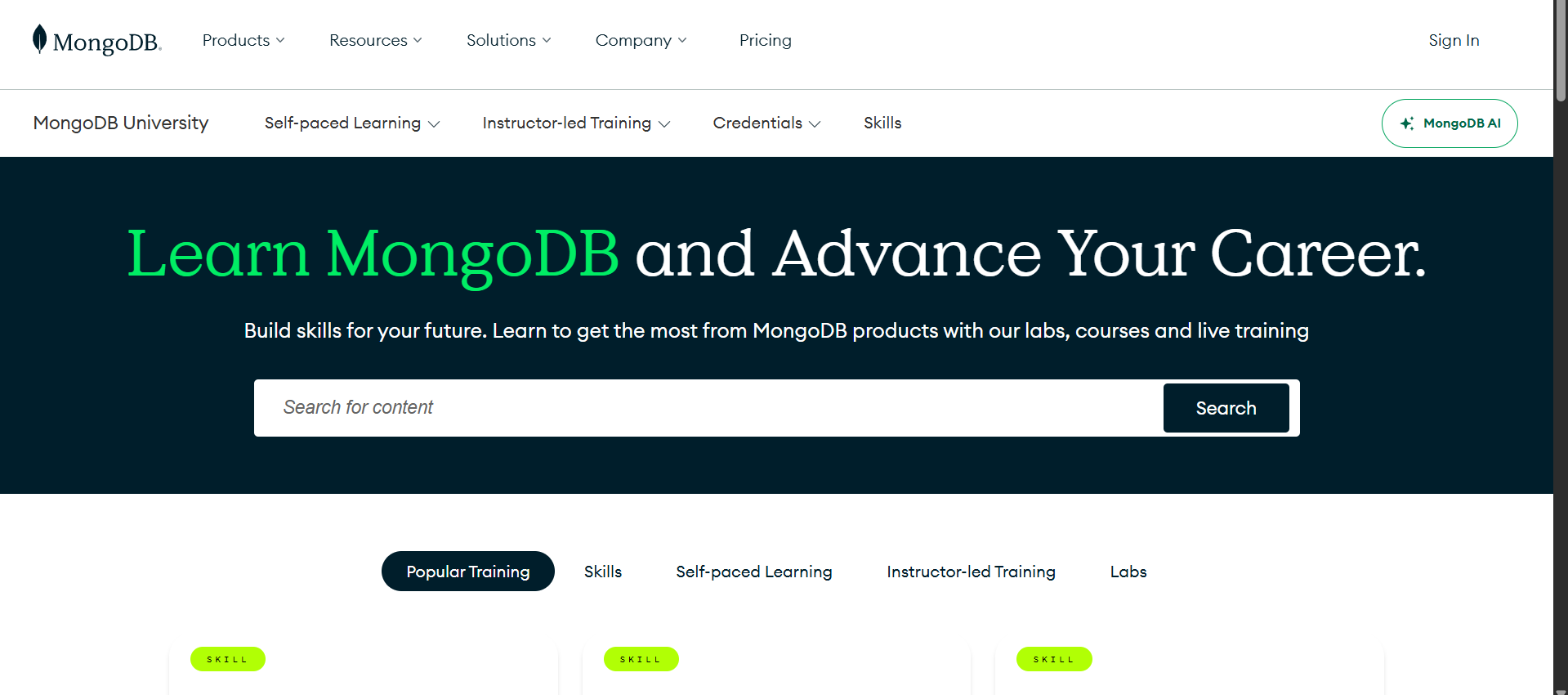
Redirect Failure: When I click “Start Learning with MongoDB University,” I am redirected to learn.mongodb.com, where I am suddenly logged out.
-
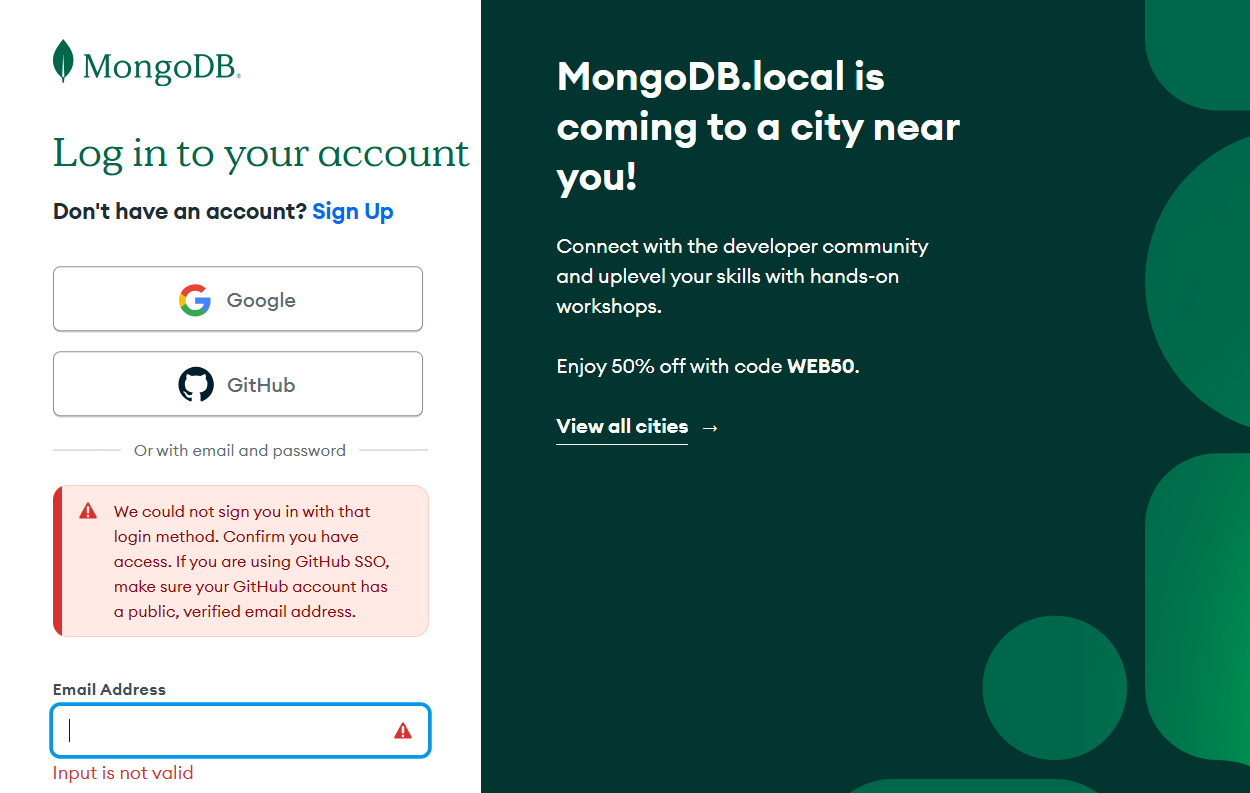
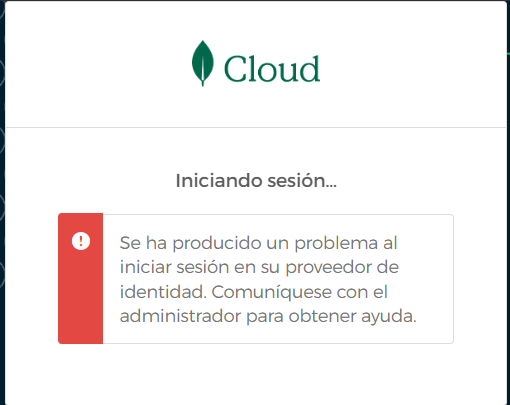
Login Attempt Error: When I try to log in on learn.mongodb.com using the GitHub button, it fails with two different errors:
-
Error 1 (English on Login Screen): “We could not sign you in with that login method. Confirm you have access. If you are using GitHub SSO, make sure your GitHub account has a public, verified email address.” (my GitHub emain is already public)
-
Error 2 (Spanish on Loading Screen): “Se ha producido un problema al iniciar sesión en su proveedor de identidad. Comuníquese con el administrador para obtener ayuda.” (Identity Provider issue)
My Workaround and Main Concern
Since the GitHub SSO is broken, I was forced to use an alternative method:
- Workaround: I successfully logged into learn.mongodb.com using the Google/Gmail button with my same verified student email address
My main concern is this: Is my account now properly entitled to the free certification voucher?
The steps state I receive the 100% discount voucher after completing the entire Certification Learning Path. I need confirmation that my benefit is active before I complete the course, since I could not log in through the intended GitHub channel.
Account Details for Verification
I would appreciate it if you could verify the status of my free certification voucher entitlement.